Google Workspace Security Audit for Small Business: Sharing Risks
Reviewed by Neil Frick — August 2026
▶ Watch the short explainer for this tip
When you're running a business in Australia, you rely on tools like Google Workspace to keep things moving. But have you really checked your Google Workspace security audit for small business? Default sharing settings, especially, can unintentionally leave sensitive client files vulnerable, which is a common oversight we see.
It’s not just about what you share, but how it’s shared and who has the keys. Without a thorough review, these quiet exposures can lead to compliance issues and reputational damage. Let's look at how to tighten things up.
How do Google Drive sharing settings expose client files?
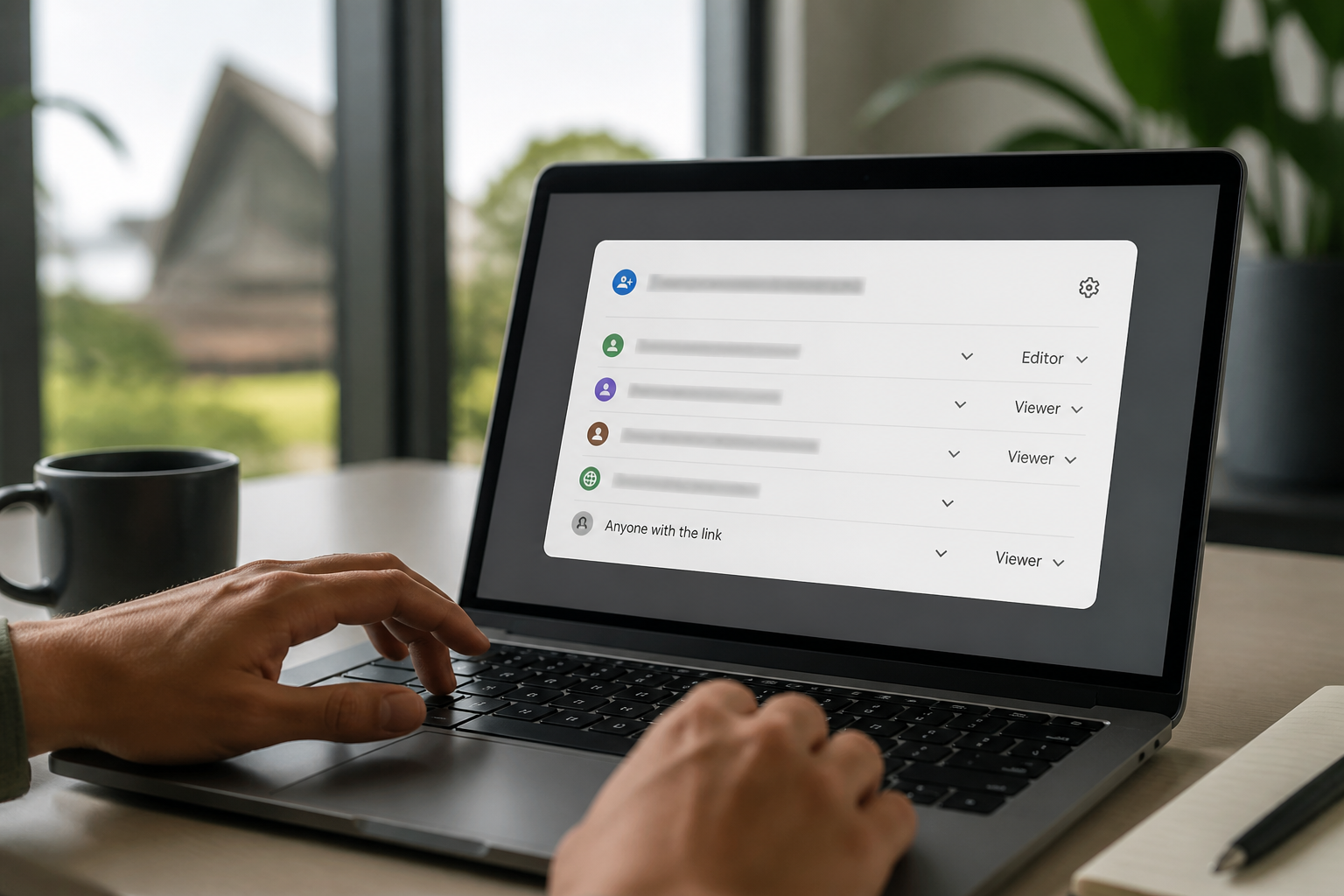
Google Drive sharing settings can expose client files if they're not carefully configured, allowing unintended access to sensitive information. By default, users might be able to share files and folders broadly, including with people outside your organisation, or even make them publicly accessible. This broad access means that a misplaced link or an accidental click could expose confidential client data, financial records, or intellectual property. Reviewing your organisation's sharing policies in the Google Admin console is crucial to prevent these kinds of leaks. Remember, you can book a free 15-minute audit chat with Neil to discuss your specific setup.
What are 'anyone with the link' sharing risks for Australian businesses?
'Anyone with the link' sharing poses a significant risk because it bypasses traditional access controls, allowing anyone who obtains the link to view or even edit files. For Australian small businesses, this could mean that client contracts, private project details, or sensitive internal documents are accessible to competitors or malicious actors. Even if the link isn't directly published, it can be forwarded or found through various means, creating an uncontrolled distribution channel for your data. Regularly auditing these settings is a key part of your Google Workspace security audit for small business.
Why is restricting external sharing important for data protection?
Restricting external sharing is important to maintain control over your organisation's data and protect client confidentiality. If external sharing isn't properly managed, sensitive information could inadvertently leave your organisation's control, leading to data breaches or compliance violations. Google Workspace provides controls for administrators to limit how users can share files externally, such as only allowing sharing with specific trusted domains or completely disabling external sharing for certain departments. This practice aligns with fundamental cyber security principles to keep your data secure. Don't hesitate to book a free 15-minute audit chat with Neil for expert advice.
Can specific sharing policies prevent data leaks for clients?
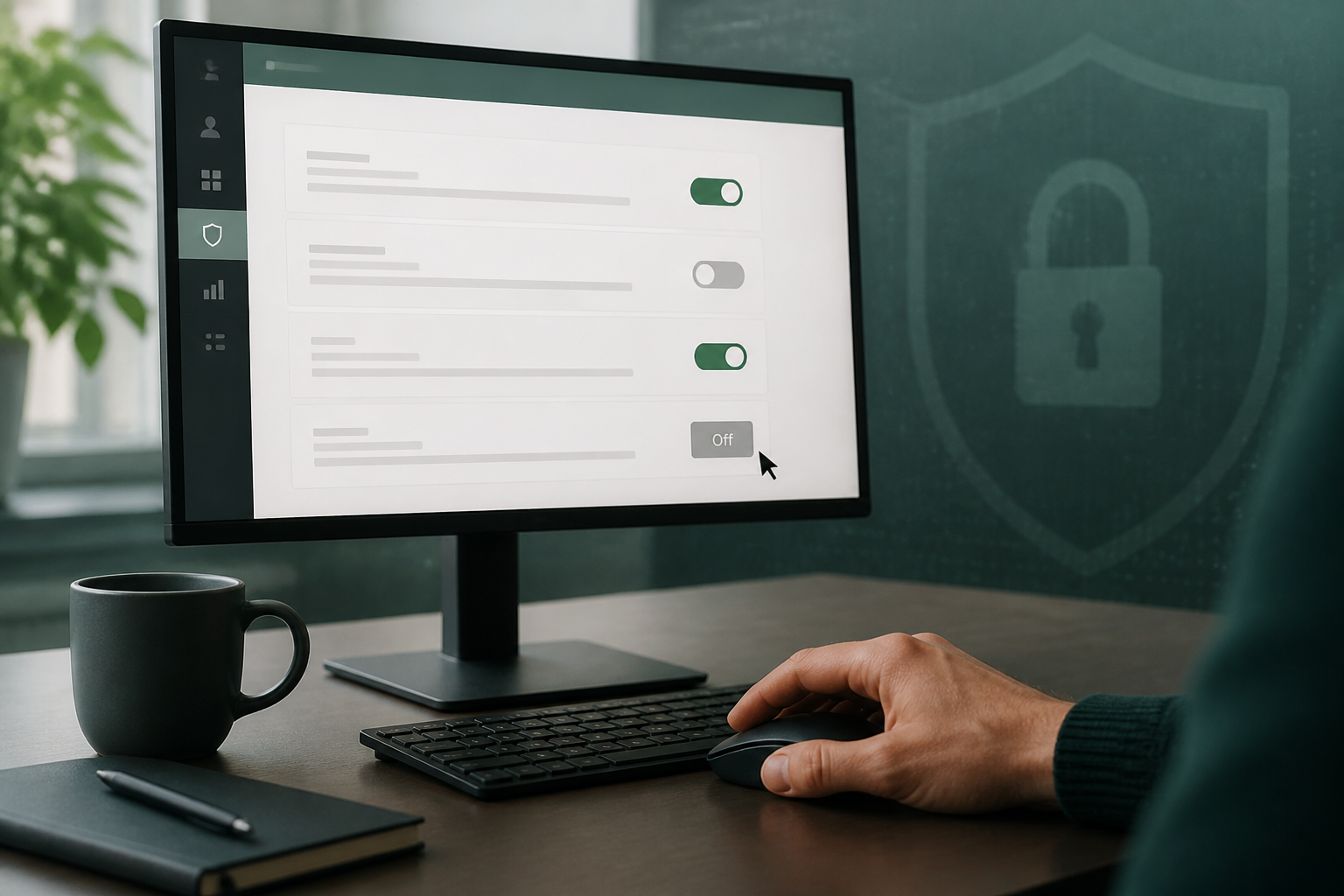
Yes, implementing specific sharing policies can significantly prevent data leaks and protect client information within your Google Workspace environment. As an administrator, you can configure granular settings that dictate who can share what, and with whom, both inside and outside your organisation. This includes setting default sharing options, preventing external sharing of certain document types, or requiring approval for external shares. These policies form a critical layer of defence, ensuring that client data is handled with the appropriate level of security and privacy.
Proactive management of Google Workspace sharing settings is essential for any Australian small business. A thorough security audit, focusing on external sharing and 'anyone with the link' permissions, helps protect your client data from quiet exposures.
Frequently asked questions
- How do I check my Google Workspace sharing settings?
- You can check your Google Workspace sharing settings by accessing the Google Admin console, navigating to Apps > Google Workspace > Drive and Docs, and then reviewing the 'Sharing settings' section. This allows administrators to set organisation-wide policies for how files can be shared externally and internally.
- Can I prevent my employees from sharing files outside our company?
- Yes, you can prevent your employees from sharing files outside your company by configuring the external sharing options in the Google Admin console. You have the flexibility to disable external sharing entirely, or restrict it to specific trusted domains. This control is crucial for maintaining data security.
- What is the risk of 'anyone with the link' sharing in Google Drive?
- The risk of 'anyone with the link' sharing in Google Drive is that any person who obtains the link, accidentally or intentionally, can access the content without any authentication. This can lead to sensitive client information being exposed to the public or competitors, making it a significant data breach vulnerability.
- How often should I review my Google Workspace security settings?
- You should review your Google Workspace security settings at least annually, and also whenever there are significant changes to your business operations or staff roles. Regular audits ensure that your data protection measures remain effective and align with current best practices. This is a key part of your Google Workspace security audit for small business.
Sources
Every reference below was link-checked when this article was published.
- 1.Set Drive users' sharing permissionsGoogle Workspace Admin Help
Want to know where your own tenant stands?
The audit answers these questions with a dated report on your actual settings — a few questions to start, under a minute.