Google Workspace Super Admin Security Key Enforcement Guide
Reviewed by Neil Frick — September 2026
Most small businesses running Google Workspace have one or two super administrator accounts that can do everything — read any mailbox, reset any password, change any setting. That's exactly why attackers go after them, and why the usual "we already have MFA" answer often isn't enough for these accounts.
This guide explains how to require phishing-resistant security keys or passkeys for Google Workspace Super Admin accounts, why the setting matters, and how to implement it without accidentally locking out your administrators.
What does security key enforcement actually do?
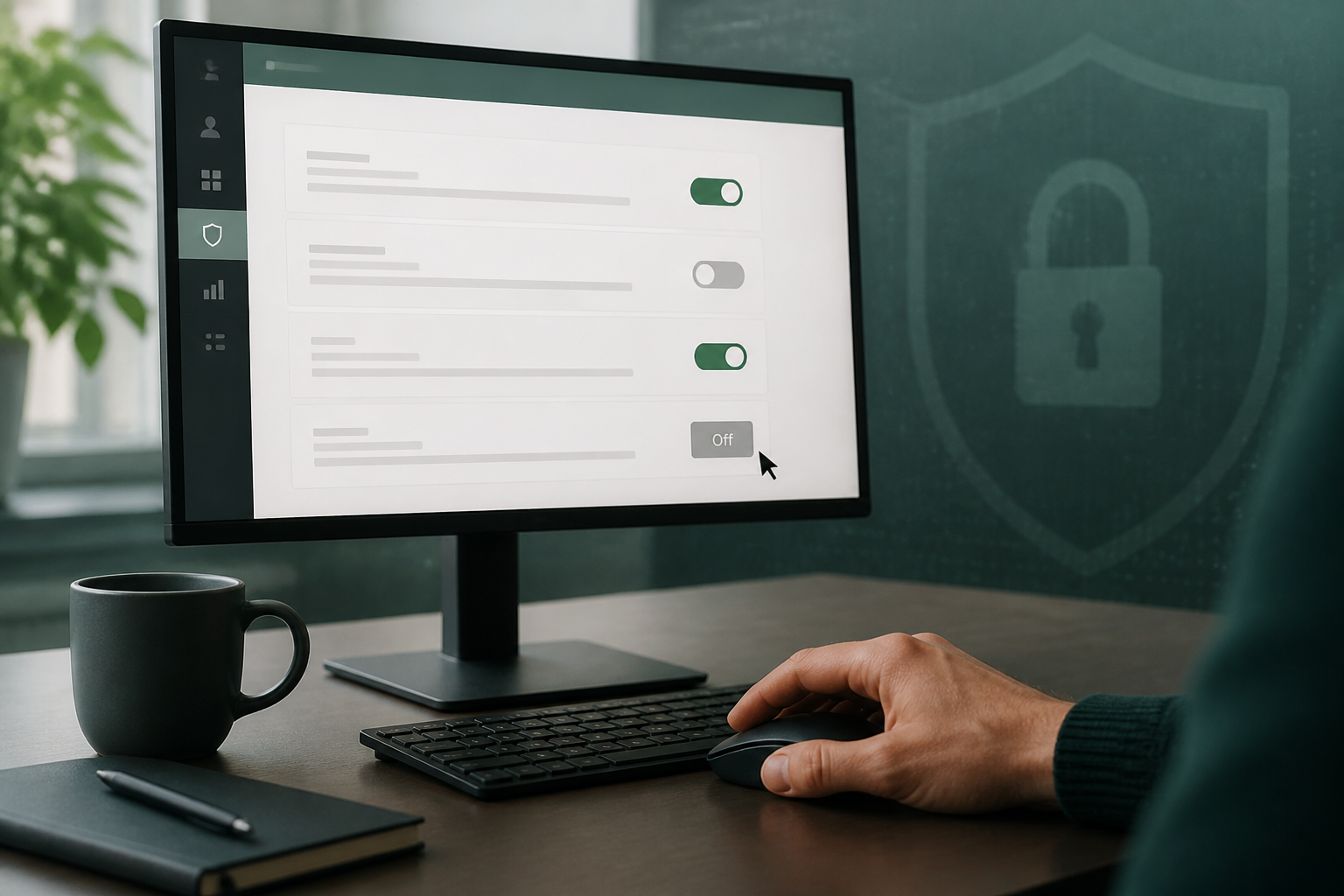
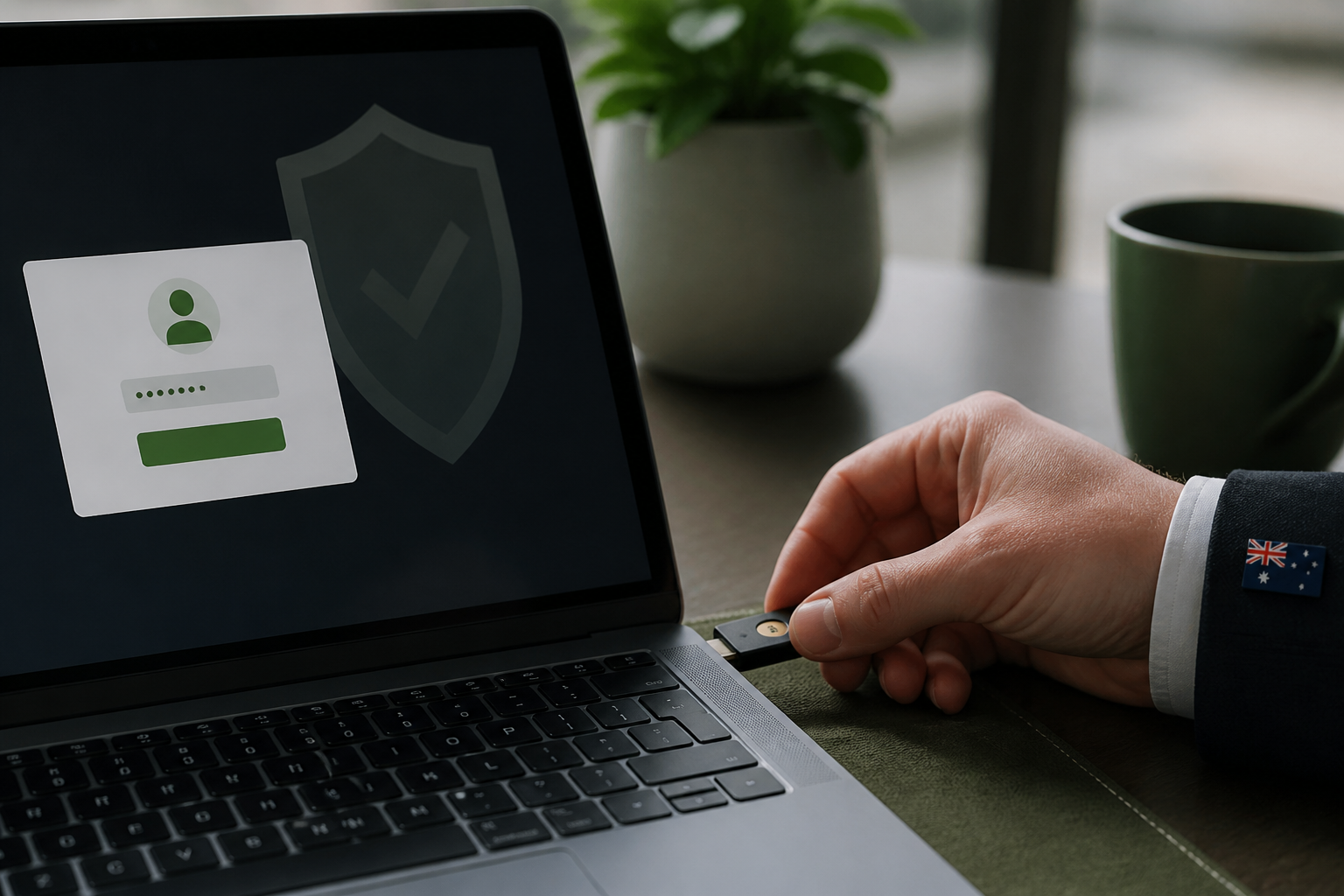
The 2-Step Verification policy in the Google Admin console lets you restrict which second factors an organisational unit or group can use. Setting the method to "Only security key" forces every sign-in for those users to present a FIDO2 hardware key (such as a YubiKey or Google Titan key) or a device-bound passkey.
Unlike SMS codes or authenticator app prompts, these methods are phishing-resistant: authentication is cryptographically bound to the legitimate Google sign-in page, so a fake login page cannot reuse the response.
The setting is available on all Google Workspace editions, including Business Starter, but you must be signed in as a super administrator to change it.
Why super admins are the prime target
This is not theory. The Australian Cyber Security Centre (ACSC) lists multi-factor authentication as one of the Essential Eight mitigation strategies, and its guidance for small business specifically calls out protecting privileged accounts first. Phishing-resistant MFA for admins is the strongest form of that control — and it's one of the first things we check in a Google Workspace security audit.
What you need and what it costs
Hardware security keys cost roughly $40 to $90 AUD each. Buy at least two per administrator so a lost or damaged key does not lock anyone out, and keep one spare registered in a safe place. For a typical small business with two or three admins, the total outlay is usually under $500 — trivial against the cost of a single BEC incident.
If your admins use recent phones and laptops, passkeys are a zero-cost alternative: the "Any except verification codes" method allows passkeys while still blocking phishable codes. Many businesses use a hardware key as the primary method and a passkey on the admin's phone as the backup.
Before you enforce anything, create a "break-glass" account: a separate, tightly controlled super admin with a long unique password and its own registered keys, stored offline. This is your emergency way back in if the policy ever misbehaves.
Should Super Admin accounts be used for everyday work?
No. A Super Admin account should be a separate, named administrative account — not the mailbox someone reads email, browses the web and opens attachments in all day. Every hour a privileged account spends doing ordinary work is another hour it is exposed to phishing, malicious documents and browser compromise.
The practical pattern for an Australian small business is simple: each administrator has a normal day-to-day account with standard permissions, plus a separate admin account used only for Admin console tasks. Both get phishing-resistant authentication, the admin account is never used for email or file sharing, and a break-glass account sits behind them for emergencies.
That separation also makes your audit logs meaningful: when an admin action appears, you know it came from deliberate administrative work rather than an everyday session.
How to enforce security keys for Google Workspace Super Admins
These steps are verified against the official Google Workspace 2-Step Verification guide. Roll them out to one administrator first, and only widen the policy once that person can sign in with a key and your break-glass account still works.
- Sign in to the Google Admin console as a super administrator.
- Create or select the organisational unit or group containing your administrator accounts.
- Go to Security → Authentication → 2-Step Verification.
- Select the administrator organisational unit or group.
- Configure the permitted authentication methods — "Only security key", or "Any except verification codes" if you also want to allow passkeys.
- Turn enforcement on and set a start date, then save.
- Register at least two security keys (or a key plus a passkey) for each administrator at myaccount.google.com/security.
- Test an administrator sign-in before considering the change complete.
Common mistakes that cause lockouts
Three problems come up again and again when small businesses roll this out:
Enforcing before keys are registered. If enforcement starts and an admin has no key enrolled, they are locked out immediately. Register every key first, then enforce.
No backup method. A single registered key is a single point of failure. Two keys per admin, plus the break-glass account, is the minimum safe setup.
Forgetting service accounts and synced users. If you synchronise users from another directory, or have legacy service accounts in the admin group, they may not support security keys at all. Move them to a separate organisational unit before you enforce.
Where this fits in a wider Google Workspace audit
Security key enforcement is one control in a much larger picture. A proper Google Workspace security audit also checks your other administrator protections (separate admin accounts for daily work), SPF, DKIM and DMARC records, external auto-forwarding rules, third-party app access, sharing link defaults and audit logging.
If you are not confident your tenancy would stand up to that review, a Google Workspace security audit gives you a dated report on your actual settings in plain English.
Requiring security keys or passkeys for your Google Workspace super admins is one of the highest-value security changes a small business can make: a few hundred dollars of hardware and an hour in the Admin console closes off the account-takeover path attackers use most. Register two keys per admin, keep admin accounts separate from everyday work, test with one user, then enforce.
Disclaimer: These steps are accurate at the time of publishing, but email platform menus and defaults can change. If you're not confident, please don't change settings yourself, as incorrect modifications can disrupt email service. SecureMyEmail accepts no responsibility for loss or damage caused by changes made without our direct involvement.
Complimentary guide
Cyber Security Insurance Guide
Frequently asked questions
- Why are security keys better than SMS codes for Google Workspace admins?
- Security keys are phishing-resistant because authentication is cryptographically bound to the legitimate website, preventing conventional credential-phishing attacks from successfully reusing the authentication response. SMS codes, by contrast, can be intercepted, redirected through SIM-swapping, or typed into a fake login page by a busy admin.
- How much do security keys cost for a small business?
- Hardware keys such as YubiKey or Google Titan cost roughly $40 to $90 AUD each. Plan on at least two keys per administrator plus a spare, so most small businesses spend under $500 in total. Passkeys on modern phones and laptops are a free alternative.
- What is a break-glass account for Google Workspace?
- A break-glass account is a separate, rarely used super administrator account with a long unique password and its own registered security keys, stored securely offline. It exists so you can still get in if the normal admin accounts are locked out or compromised.
- Can I use passkeys instead of physical security keys?
- Yes. If the 2-Step Verification method is set to "Any except verification codes", Google Workspace allows passkeys, which offer similar phishing resistance to hardware keys and are built into recent smartphones and computers.
- Does this count towards the ACSC Essential Eight?
- It supports the multi-factor authentication strategy in the Essential Eight. Phishing-resistant MFA for privileged accounts is among the strongest implementations of that control and aligns with ACSC guidance to protect administrator accounts first.
- Where can an Australian small business get help with Google Workspace security?
- You can book a complimentary 15-minute chat with Neil from SecureMyEmail to discuss a Google Workspace security audit. An audit reviews MFA enforcement, email authentication records, forwarding rules, third-party app access and more, with plain-English recommendations.
Sources
Every reference below was link-checked when this article was published.
- 1.Implementing Multi-Factor AuthenticationAustralian Signals Directorate — ACSC
- 2.Protect your business with 2-Step VerificationGoogle Workspace Admin Help
Want to know where your own tenant stands?
The audit answers these questions with a dated report on your actual settings — a few questions to start, under a minute.