Google Workspace Security Audit: Turn off IMAP and POP access
Reviewed by Neil Frick — September 2026
▶ Watch the short explainer for this tip
Today's tech tip, from Neil Frick (CISSP), focuses on a crucial security setting within Google Workspace that often gets overlooked: turning off IMAP and POP access. This straightforward change can significantly bolster your organisation's email security. Legacy email protocols like IMAP (Internet Message Access Protocol) and POP (Post Office Protocol) are old news, and frankly, a bit of a security risk these days. Modern email clients and mobile apps use more secure methods, making these older protocols unnecessary for most Australian small and medium businesses.
What is IMAP and POP Access in Google Workspace?
IMAP and POP access in Google Workspace refers to enabling older, less secure email protocols that allow email clients to connect to a user's Gmail account. It's how some older desktop mail programs used to pull down your emails, rather than using the web interface or dedicated modern apps.
Why You Should Disable These Older Email Protocols
You should change this setting because disabling IMAP and POP access significantly reduces your organisation's attack surface against phishing and brute-force attacks. These protocols often rely on less secure authentication methods, making it easier for bad actors to gain unauthorised access to user inboxes. Reducing your reliance on these older protocols is a fundamental step in a Google Workspace security audit for small business.
What Happens If You Leave IMAP and POP Enabled?
If you leave IMAP and POP enabled, you expose your organisation to a higher risk of account compromise, which can lead to business email compromise (BEC), data breaches, and potential financial losses. A compromised email account can result in regulatory fines under privacy law, damage to your reputation, and increased insurance premiums for cyber cover. It's an unnecessary vulnerability that can be easily fixed.
How to Turn Off IMAP and POP Access in Google Workspace
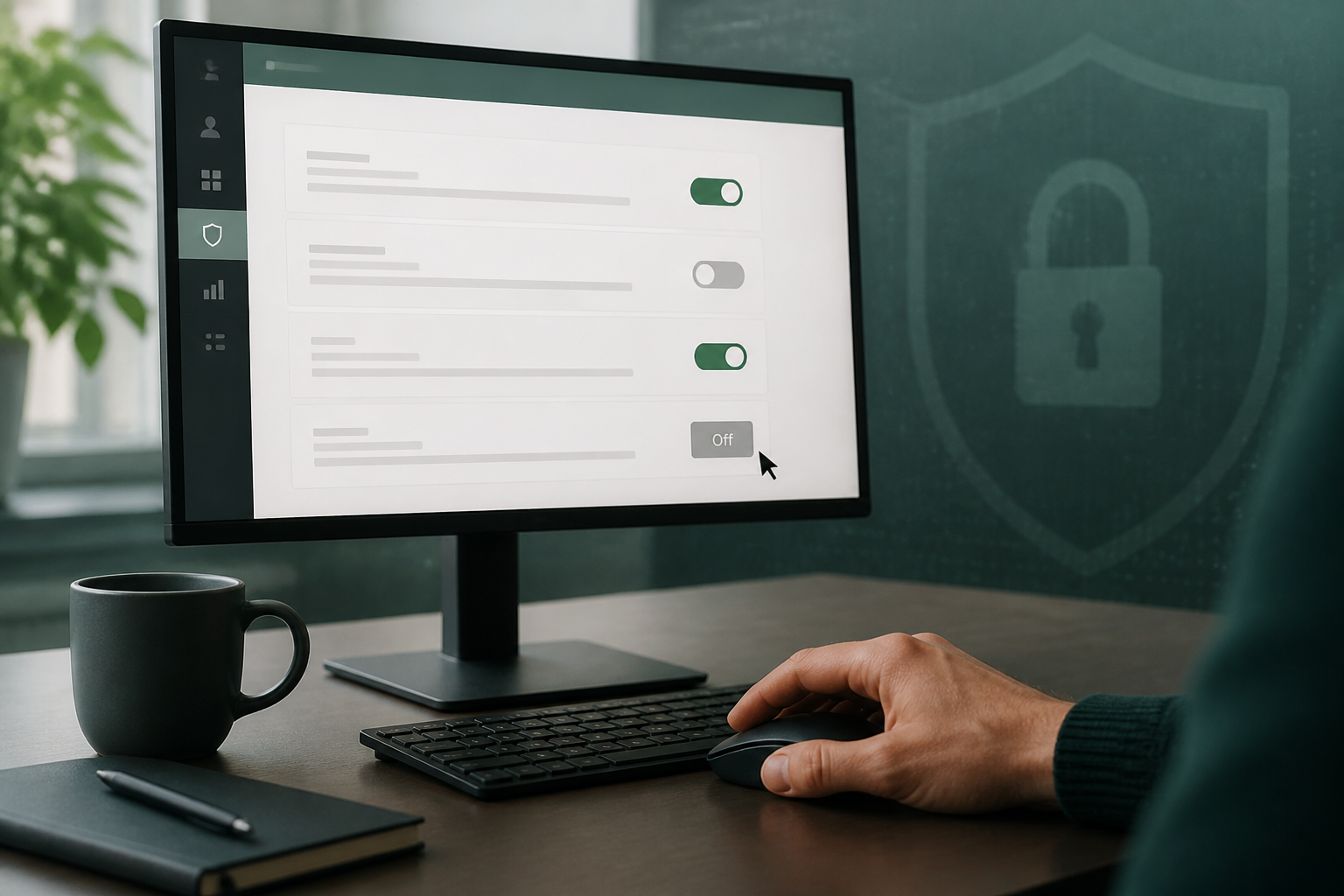
To improve your Google Workspace security posture, follow these verified steps to disable IMAP and POP access for your users. Ensure you review the potential impact before making this change. If you're unsure, you can book a complimentary 15-minute chat with Neil to discuss a Google Workspace security audit for your Australian small business. 1. Sign in to admin.google.com and go to Apps > Google Workspace > Gmail > End User Access. 2. Open POP and IMAP access. 3. Untick Enable POP and IMAP access for all users (or disable it for the organisational units that do not need it). 4. Save, then use Apps > Google Workspace > Gmail > Safety and Security settings to confirm no other legacy client access is left open.
Checking the Change and Warning Staff About Impact
To check it worked, a mail client configured for IMAP will fail to connect; Gmail on the web and the mobile app, however, will keep working as expected. You must warn staff that old scan-to-email devices, Outlook profiles set up with IMAP, and some CRM systems might rely on this access and could stop working. It's crucial to check for these dependencies before you switch it off to avoid disruption. Book a complimentary 15-minute chat to discuss your Google Workspace security audit if you need help with this.
Important Disclaimer on Configuration Changes
These steps are accurate at the time of publishing, but email platform menus and defaults can change. If you're not confident, please don't change settings yourself, as incorrect modifications can disrupt email service. SecureMyEmail accepts no responsibility for loss or damage caused by changes made without our direct involvement.
Disabling IMAP and POP access in Google Workspace is a quick, impactful security measure that every Australian small business should implement. It closes off an old vulnerability, making your email environment more secure against common cyber threats.
Disclaimer: These steps are accurate at the time of publishing, but email platform menus and defaults can change. If you're not confident, please don't change settings yourself, as incorrect modifications can disrupt email service. SecureMyEmail accepts no responsibility for loss or damage caused by changes made without our direct involvement.
Frequently asked questions
- What is the real benefit of turning off IMAP and POP for my business?
- The real benefit is significantly reducing your exposure to email account takeover and phishing attacks. Legacy protocols often lack modern security features, making your organisation more vulnerable to unauthorised access and potential data breaches.
- Will disabling IMAP and POP break my team's email access?
- For most modern users, no, it won't break email access as they typically use the web interface or dedicated mobile apps. However, it can affect older scan-to-email devices, specific CRM integrations, or Outlook profiles configured with IMAP, so check these dependencies first.
- How can I tell if my business is still using IMAP or POP?
- You can check your mail client settings (e.g., Outlook, Thunderbird) for protocol configuration, or review your Google Workspace audit logs for connections using these protocols. A Google Workspace security audit can help identify such usage within your organisation.
- Can I enable IMAP or POP for just a few specific users if needed?
- Yes, Google Workspace allows you to configure these settings at the organisational unit (OU) level, meaning you can disable it for most users but enable it for a specific OU if there's a genuine business requirement, after carefully assessing the risk.
- What happens if I disable this and someone needs it for a specific application?
- If an application or user genuinely needs IMAP or POP access, they will find their mail client or integration stops working. This is why it's crucial to identify and warn staff about potential impacts, and ideally, find modern, more secure alternatives before making the change.
Sources
Every reference below was link-checked when this article was published.
- 1.Block legacy authentication with Conditional AccessMicrosoft Learn
Want to know where your own tenant stands?
The audit answers these questions with a dated report on your actual settings — a few questions to start, under a minute.