
Daily tech tips
Social posts
Practical email security tips paired with a relevant image, the full article and a direct link to book an audit.
 Email security5 October 2026
TechTip: Block Automatic Email Forwarding in Gmail for Australian SMBs
One compromised Gmail account could leak your company's data. 📧 Automatic email forwarding to external addresses is a common security blind spot for Australian businesses using Google Workspace. If an attacker compromises an account where automatic forwarding is allowed, they may set up forwarding to copy sensitive information outside your business. Disabling user-configured automatic forwarding reduces this risk. Our guide shows you how: • Why this setting matters • Step-by-step instructions to disable it • How to check it's working • Common mistakes to avoid for Australian SMBs 👉 Read the full guide: https://securemyemail.com.au/blog/block-automatic-email-forwarding-in-gmail-for-australian-smbs Want to know whether your Google Workspace has this — and other important security settings — configured correctly? Book a complimentary 15-minute chat about an audit: https://securemyemail.com.au/audit #GoogleWorkspace #GmailForwarding #AustralianSMB #DataProtection #CyberSecurity
Disclaimer: These steps are accurate at the time of publishing, but email platform menus and defaults can change. If you're not confident, please don't change settings yourself, as incorrect modifications can disrupt email service. SecureMyEmail accepts no responsibility for loss or damage caused by changes made without our direct involvement.
 Email security29 September 2026
One Google Workspace Setting That Can Reduce Email Security Risk
Unneeded IMAP and POP access gives email apps another route to your Google Workspace mailbox data. If an authorised app or its access token is compromised, business email could be exposed. Review which email apps and workflows your team relies on, then turn off protocols you do not need. IMAP and POP can use OAuth, so they should not automatically be treated as password-only access. Read the full guide: https://securemyemail.com.au/blog/turn-off-imap-and-pop-access-in-google-workspace-for-australian-smes Want help reviewing your settings? Book a complimentary 15-minute chat about an email-security audit: https://securemyemail.com.au/audit #GoogleWorkspace #IMAPPOP #EmailSecurity #AustralianSME #CyberSecurity
Disclaimer: These steps are accurate at the time of publishing, but email platform menus and defaults can change. If you're not confident, please don't change settings yourself, as incorrect modifications can disrupt email service. SecureMyEmail accepts no responsibility for loss or damage caused by changes made without our direct involvement.
 Email security25 September 2026
Stop Risky Apps Accessing Your Microsoft 365 Data
A malicious OAuth app could use permissions granted by a staff member to read or copy sensitive Microsoft 365 data. 🔒 For Australian small businesses, that could expose customer details or confidential emails. Restricting user consent in Microsoft Entra ID helps reduce the risk of staff granting apps access without review. If you disable user consent, staff cannot grant new permissions themselves. Set up an approval process for legitimate apps, and review existing app permissions separately: changing the consent setting does not revoke access already granted. Our guide covers: • Why this setting is crucial for data security • Step-by-step instructions for configuration • Common mistakes to avoid in Australian businesses • How this fits into a comprehensive security audit 👉 Read the full guide: https://securemyemail.com.au/blog/restrict-oauth-apps-in-entra-id-for-australian-small-businesses Want to know whether your tenant has this — and other important security settings — configured correctly? Book a complimentary 15-minute chat with Neil about an audit: https://securemyemail.com.au/audit #MicrosoftEntraID #OAuthSecurity #Microsoft365Security #AustralianSMB #DataProtection
Disclaimer: These steps are accurate at the time of publishing, but email platform menus and defaults can change. If you're not confident, please don't change settings yourself, as incorrect modifications can disrupt email service. SecureMyEmail accepts no responsibility for loss or damage caused by changes made without our direct involvement.
 Email security24 September 2026
TechTip: Google Vault Retention: Keeping Deleted Mail for Audits
Permanently deleted emails can leave your business without records needed for an audit or investigation. 📧 For Australian businesses using Google Workspace, Google Vault retention rules can preserve Gmail messages covered by those rules, even after users delete them. Check that the relevant users have a licence that includes Vault, then configure retention before messages are permanently deleted. Start with the records your business needs to keep. Check which accounts the rules cover, how long messages are retained and what happens when retention expires. Some rule settings can purge messages from Gmail, not just messages users have already deleted. Our guide explains Google Vault retention setup, licensing and common mistakes to avoid. 👉 Read the full guide: https://securemyemail.com.au/blog/google-vault-retention-keeping-deleted-mail-for-audits Want help reviewing your configuration? Book a complimentary 15-minute chat about a Google Workspace security audit: https://securemyemail.com.au/audit #GoogleWorkspace #EmailRetention #GoogleVault #CyberSecurity #AustralianBusiness
Disclaimer: These steps are accurate at the time of publishing, but email platform menus and defaults can change. If you're not confident, please don't change settings yourself, as incorrect modifications can disrupt email service. SecureMyEmail accepts no responsibility for loss or damage caused by changes made without our direct involvement.
 Email security23 September 2026
TechTip: Google Vault Retention for Australian Businesses: Don't Lose Emails
Deleted business emails can become unrecoverable after Google Workspace’s recovery windows close, leaving gaps when you need records for a dispute or investigation. 📧 With the appropriate licences and retention rules, Google Vault can retain covered Gmail messages even after users delete them. It cannot recover messages already permanently purged, and it is not a backup or a mailbox restoration tool. Before changing retention rules, check which users and messages are covered, review expiry and purge settings, and plan how to preserve records when staff leave. Deleting a user account can remove data you intended to retain. Our guide explains Google Vault retention for Australian businesses, including setup, licensing and common mistakes to avoid. Read the full guide: https://securemyemail.com.au/blog/google-vault-retention-for-australian-businesses-don-t-lose-emails Want your configuration checked? Book a complimentary 15-minute chat with Neil about a Google Workspace security audit: https://securemyemail.com.au/audit #GoogleWorkspace #GoogleVaultRetention #EmailRetention #AustralianSmallBusiness #InformationGovernance
Disclaimer: These steps are accurate at the time of publishing, but email platform menus and defaults can change. If you're not confident, please don't change settings yourself, as incorrect modifications can disrupt email service. SecureMyEmail accepts no responsibility for loss or damage caused by changes made without our direct involvement.
 Email security22 September 2026
TechTip: Google Workspace Suspicious Login Alerts for Australian SMBs
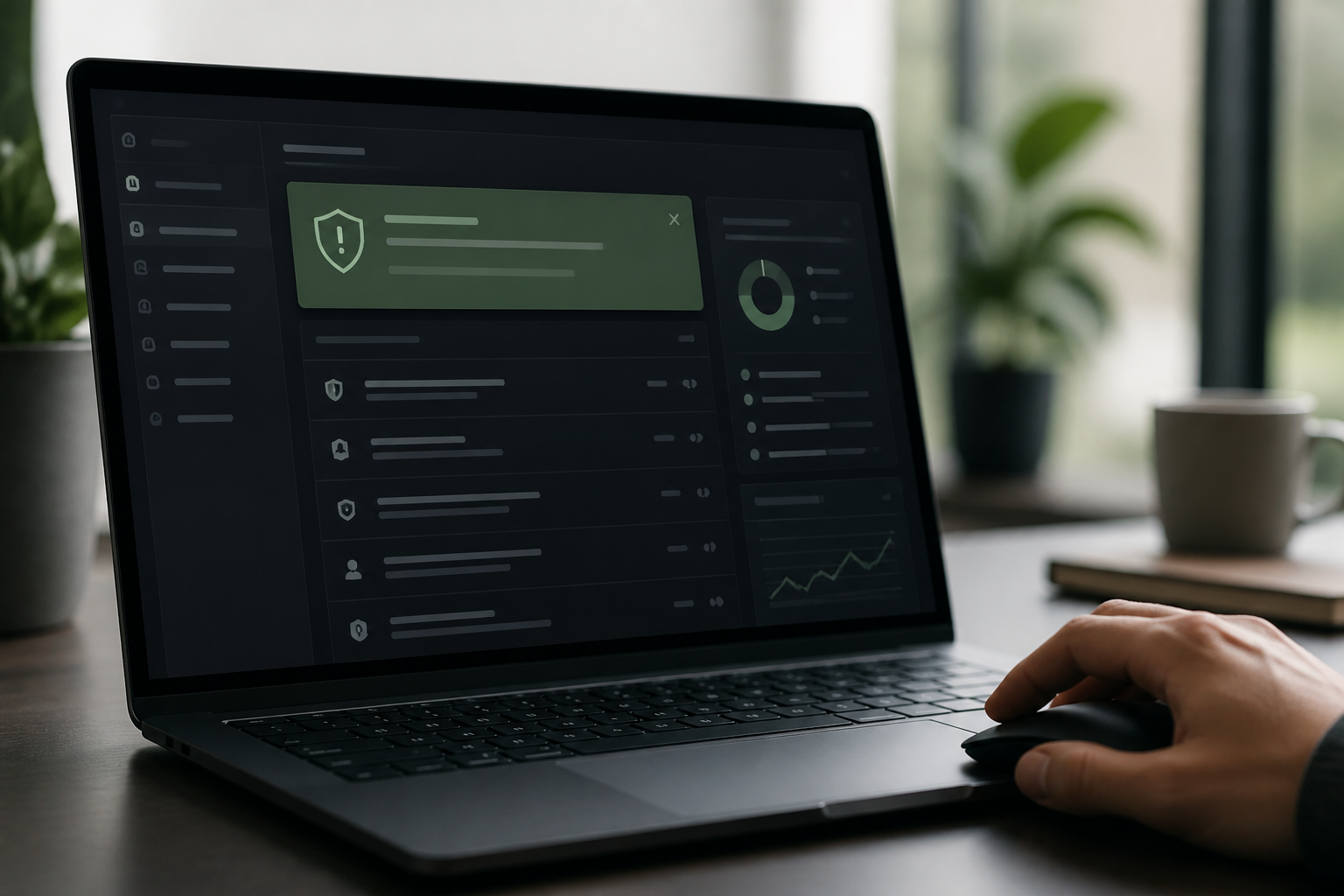
A suspicious Google Workspace login can signal stolen credentials, putting customer records and business emails at risk. For Australian small businesses, reviewing suspicious login alerts and checking who receives email notifications can help bring potential account compromise to someone's attention sooner. Make sure someone is responsible for investigating and responding. Here’s what our guide covers: • Why these alerts matter for Australian SMBs • How to review the alert configuration • Common mistakes to avoid Read the full guide: https://securemyemail.com.au/blog/boost-google-workspace-security-turn-on-suspicious-login-alerts Want help checking your Google Workspace security settings? Book a complimentary 15-minute chat about an audit: https://securemyemail.com.au/audit #GoogleWorkspace #SuspiciousLoginAlerts #CyberSecurityAustralia #SmallBusinessSecurity #EmailSecurity
Disclaimer: These steps are accurate at the time of publishing, but email platform menus and defaults can change. If you're not confident, please don't change settings yourself, as incorrect modifications can disrupt email service. SecureMyEmail accepts no responsibility for loss or damage caused by changes made without our direct involvement.
 Email security22 September 2026
TechTip: Google Workspace Context-Aware Access for Admin Consoles
A compromised Google Workspace administrator account can let attackers change email settings or user accounts, depending on its privileges — putting business data and payments at risk. Context-Aware Access can restrict covered administrators’ Google Admin console access to approved IP ranges on supported editions. Check edition eligibility and which administrators the policy covers before rollout, and test recovery access. Pair it with phishing-resistant 2-Step Verification rather than relying on location restrictions alone. Neil Frick (CISSP) at SecureMyEmail by Netlogyx IT guides you through setting it up safely. What you'll learn: • Why Context-Aware Access matters for the Admin console. • Step-by-step setup in Google Workspace. • Licensing requirements and common mistakes. • How it fits into a comprehensive security audit. Read the full guide: https://securemyemail.com.au/blog/google-workspace-context-aware-access-for-admin-consoles Want to know whether your business has these security settings configured correctly? Book a complimentary 15-minute chat with Neil about an audit: https://securemyemail.com.au/audit #GoogleWorkspace #ContextAwareAccess #AustralianCyberSecurity #SmallBusinessSecurity #AdminConsole
Disclaimer: These steps are accurate at the time of publishing, but email platform menus and defaults can change. If you're not confident, please don't change settings yourself, as incorrect modifications can disrupt email service. SecureMyEmail accepts no responsibility for loss or damage caused by changes made without our direct involvement.
 Email security15 September 2026
TechTip: Google Workspace DMARC Setup for Australian Small Business
Spoofed invoices using your Google Workspace domain can send clients’ payments to a scammer. SPF, DKIM and an enforced DMARC policy help receiving systems identify and handle unauthorised use of your domain. 🔐 DMARC uses SPF and DKIM authentication results and domain alignment. A message passes when at least one succeeds and its authenticated domain aligns with the domain in the visible From address. That is not proof that the message itself is genuine. Our step-by-step guide for Australian small businesses covers the rollout: ✅ Inventory every sending service, including invoicing and marketing tools ✅ Configure SPF and DKIM: review the existing SPF record, include every authorised sending service and never publish a second SPF record ✅ Start DMARC at p=none, analyse reports and correct alignment ✅ Move to p=quarantine, monitor delivery and work towards p=reject as the intended end state 👉 Read the full guide: https://securemyemail.com.au/blog/google-workspace-dmarc-setup-for-australian-small-business For help reviewing your configuration, book a complimentary 15-minute chat about a Google Workspace security audit: https://securemyemail.com.au/audit #GoogleWorkspace #DMARC #EmailSecurity #AustralianBusiness #SmallBusinessSecurity
Disclaimer: This information is for general guidance only and does not constitute professional advice. Cyber security best practices evolve, and specific implementations may vary based on your unique business environment. Consult with a qualified cybersecurity professional for tailored advice.
 Email security14 September 2026
TechTip: Microsoft 365 Privileged Accounts: Why Admins Need Separate Logins
🚨 Are you using your Microsoft 365 admin account for everyday email and work? That’s a security risk many businesses overlook. Microsoft 365 administrators should have a separate privileged admin account — not use the same account for email, web browsing and day-to-day work. Why? If an everyday account is compromised through phishing, malware or stolen credentials, attackers shouldn’t automatically gain access to your Microsoft 365 administration. Our step-by-step guide explains: 🔐 Why separate Microsoft 365 admin accounts matter 🛡️ How privileged accounts reduce security risk ⚠️ Common configuration mistakes to avoid 🇦🇺 What Australian businesses should be checking 👉 Read the step-by-step guide: https://securemyemail.com.au/blog/microsoft-365-privileged-accounts-why-admins-need-separate-logins Not sure whether your Microsoft 365 environment is configured securely? 👉 Get a Microsoft 365 security audit: https://securemyemail.com.au/audit #Microsoft365 #Microsoft365Security #CyberSecurity #MicrosoftSecurity #AustralianBusiness
Disclaimer: These steps are accurate at the time of publishing, but email platform menus and defaults can change. If you're not confident, please don't change settings yourself, as incorrect modifications can disrupt email service. SecureMyEmail accepts no responsibility for loss or damage caused by changes made without our direct involvement.
 Email security13 September 2026
TechTip: Google Workspace Super Admin Security Key Enforcement Guide
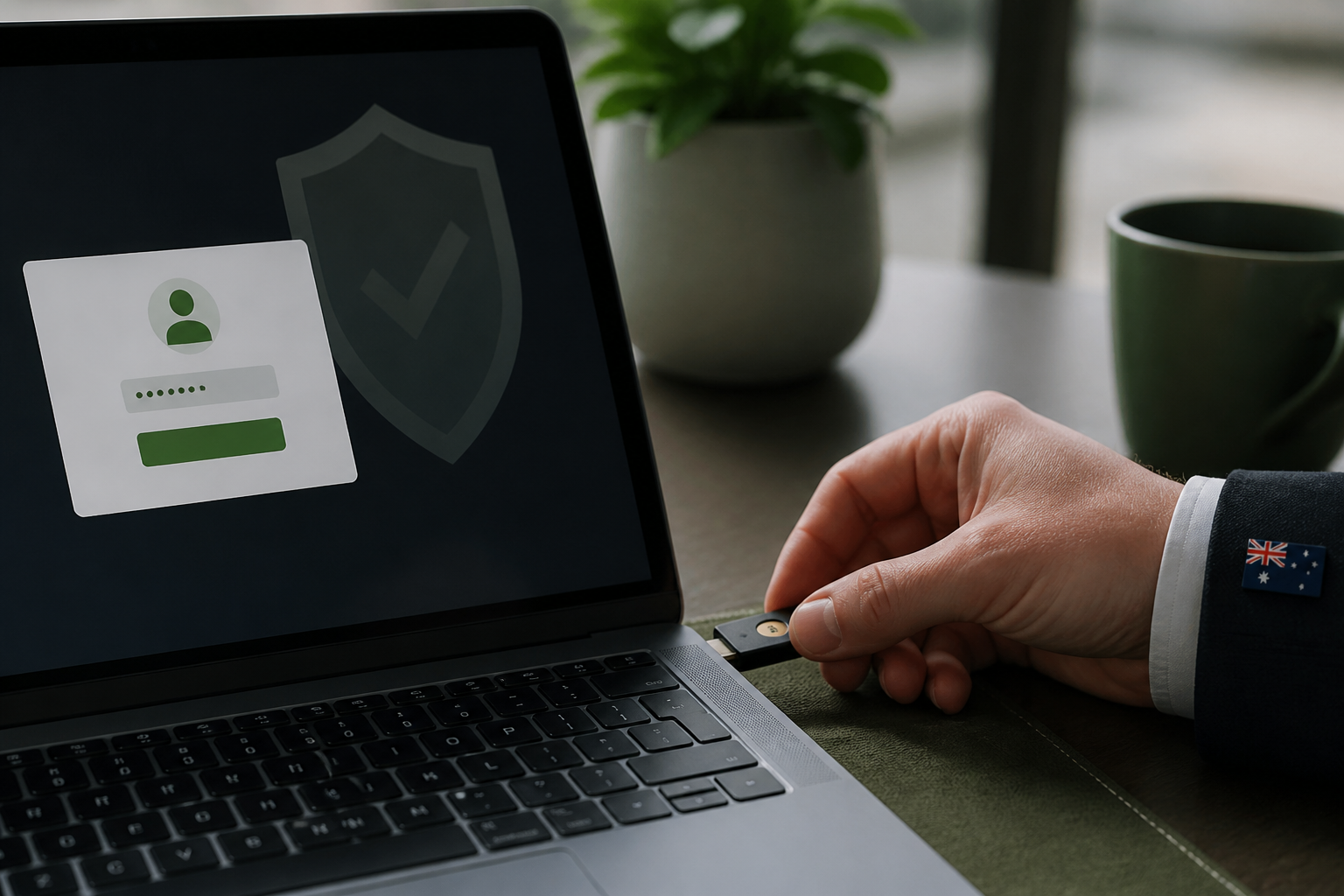
Protect Google Workspace Super Admin accounts with phishing-resistant MFA. 🔐 Super Admin accounts hold the keys to your entire Google Workspace environment — yet many are still protected by nothing more than a password and an SMS code that attackers can phish. Requiring security keys or passkeys for administrator accounts is one of the highest-impact Google Workspace security improvements an Australian business can make. Our guide explains what the setting does, why Super Admin security matters, and the mistakes that lock admins out — the full step-by-step instructions are on our website. 👉 Read the guide: https://securemyemail.com.au/blog/google-workspace-super-admin-security-key-enforcement-guide Want to know what else is missing from your setup? 👉 Get a Google Workspace Security Audit → https://securemyemail.com.au/audit #GoogleWorkspace #GoogleWorkspaceSecurity #PhishingResistantMFA #SecurityKeys #SuperAdmin #AustralianBusiness
Disclaimer: These steps are accurate at the time of publishing, but email platform menus and defaults can change. If you're not confident, please don't change settings yourself, as incorrect modifications can disrupt email service. SecureMyEmail accepts no responsibility for loss or damage caused by changes made without our direct involvement.
 Email security11 September 2026
TechTip: Boost Microsoft 365 Email Security External Sender Warning
🛑 Stop email scams before someone clicks. One simple Microsoft 365 security setting can make suspicious emails much easier for your team to spot. 📧 Add an External Sender Warning Banner to emails coming from outside your organisation, giving staff a clear reminder to check before clicking links, opening attachments or replying. 🔐 Simple change. Better awareness. Stronger email security. 👉 Click the link for our step-by-step guide to setting it up in Microsoft 365. #Microsoft365 #CyberSecurity #EmailSecurity #SmallBusinessAustralia #Phishing #Netlogyx More info (full article): https://securemyemail.com.au/blog/boost-microsoft-365-email-security-for-australian-small-business-exter Book an audit: https://securemyemail.com.au/audit Complimentary 15-minute chat with Neil (CISSP): https://calendly.com/netlogyx/m365audit
Disclaimer: These steps are accurate at the time of publishing, but email platform menus and defaults can change. If you're not confident, please don't change settings yourself, as incorrect modifications can disrupt email service. SecureMyEmail accepts no responsibility for loss or damage caused by changes made without our direct involvement.
 Email security10 September 2026
TechTip: Google Workspace API controls: Restrict third-party app access in Australia
Stop apps stealing your data! 🔐 Protect your Google Workspace by restricting third-party app access. This quick guide shows you the 4 steps to secure your organisation. For Detailed steps see Full Blog #GoogleWorkspace #CyberSecurity #AustralianBusiness More info Step By Step(full article): https://securemyemail.com.au/blog/google-workspace-api-controls-restrict-third-party-app-access-in-austr Book an audit: https://securemyemail.com.au/audit Complimentary 15-minute chat with Neil (CISSP): https://calendly.com/netlogyx/m365audit Disclaimer: These steps are accurate at the time of publishing, but email platform menus and defaults can change. If you're not confident, please don't change settings yourself, as incorrect modifications can disrupt email service. SecureMyEmail accepts no responsibility for loss or damage caused by changes made without our direct involvement.
Disclaimer: These steps are accurate at the time of publishing, but email platform menus and defaults can change. If you're not confident, please don't change settings yourself, as incorrect modifications can disrupt email service. SecureMyEmail accepts no responsibility for loss or damage caused by changes made without our direct involvement.
 Email security8 September 2026
TechTip: Restrict Third-Party OAuth App Consent in Entra ID for Microsoft 365 Security
Stop app data theft! Protect your Microsoft 365 by restricting OAuth app consent. Walkthrough of critical steps to secure your data.(see Full article use the link below) #Microsoft365 #CyberSecurity #AustralianBusiness More info Step By Step (full article): https://securemyemail.com.au/blog/restrict-third-party-oauth-app-consent-in-entra-id-for-microsoft-365-s Book an audit: https://securemyemail.com.au/audit Complimentary 15-minute chat with Neil (CISSP): https://calendly.com/netlogyx/m365audit Disclaimer: These steps are accurate at the time of publishing, but email platform menus and defaults can change. If you're not confident, please don't change settings yourself, as incorrect modifications can disrupt email service. SecureMyEmail accepts no responsibility for loss or damage caused by changes made without our direct involvement.
Disclaimer: These steps are accurate at the time of publishing, but email platform menus and defaults can change. If you're not confident, please don't change settings yourself, as incorrect modifications can disrupt email service. SecureMyEmail accepts no responsibility for loss or damage caused by changes made without our direct involvement.
 Email security7 September 2026
TechTip: Block Automatic Email Forwarding in Google Workspace for Small Business
Stop email forwarding to external addresses! Learn how to block automatic email forwarding in Google Workspace. Protect your small business from data breaches today with this Google Workspace security setting. See the full article for a step-by-step process #GoogleWorkspace #CyberSecurity #AustralianBusiness These steps are accurate at the time of publishing, but email platform menus and defaults can change. If you're not confident, please don't change settings yourself, as incorrect modifications can disrupt email service. SecureMyEmail accepts no responsibility for loss or damage caused by changes made without our direct involvement. More info step-by-step (full article): https://securemyemail.com.au/blog/block-automatic-email-forwarding-in-google-workspace-for-small-busines Book an audit: https://securemyemail.com.au/audit Complimentary 15-minute chat with Neil (CISSP): https://calendly.com/netlogyx/m365audit Disclaimer: These steps are accurate at the time of publishing, but email platform menus and defaults can change. If you're not confident, please don't change settings yourself, as incorrect modifications can disrupt email service. SecureMyEmail accepts no responsibility for loss or damage caused by changes made without our direct involvement.
Disclaimer: These steps are accurate at the time of publishing, but email platform menus and defaults can change. If you're not confident, please don't change settings yourself, as incorrect modifications can disrupt email service. SecureMyEmail accepts no responsibility for loss or damage caused by changes made without our direct involvement.
 Email security6 September 2026
TechTip: Boost Microsoft 365 Email Security: Safe Links and Attachments for SMB
Tech tip: Boost your Microsoft 365 email security! Quickly enable Safe Links and Safe Attachments to protect your business from phishing and malware. #Microsoft365 #CyberSecurity #AustralianBusiness More info - step by step (full article): https://securemyemail.com.au/blog/boost-microsoft-365-email-security-safe-links-and-attachments-for-smb Watch the short explainer: https://securemyemail.com.au/api/public/content-image/2026-09-06/boost-microsoft-365-email-security-safe-links-and-attachments-for-smb-short-mtqcvaxr-gusnp.mp4 Book an audit: https://securemyemail.com.au/audit Complimentary 15-minute chat with Neil (CISSP): https://calendly.com/netlogyx/m365audit\
Disclaimer: These steps are accurate at the time of publishing, but email platform menus and defaults can change. If you're not confident, please don't change settings yourself, as incorrect modifications can disrupt email service. SecureMyEmail accepts no responsibility for loss or damage caused by changes made without our direct involvement.
 Email security4 September 2026
TechTip: Boost Google Workspace Security: Disable App Passwords and Less Secure Apps
Stop cyber threats now! 🔒 Learn to disable less secure app access and app passwords in Google Workspace, crucial for your Google Workspace security audit for small business. #GoogleWorkspace #CyberSecurity #AustralianBusiness More info (full article): https://securemyemail.com.au/blog/boost-google-workspace-security-disable-app-passwords-and-less-secure- Watch the short explainer: https://securemyemail.com.au/api/public/content-image/2026-09-03/boost-google-workspace-security-disable-app-passwords-and-less-secure--short-mtm2jtos-xe5b2.mp4
Disclaimer: These steps are accurate at the time of publishing, but email platform menus and defaults can change. If you're not confident, please don't change settings yourself, as incorrect modifications can disrupt email service. SecureMyEmail accepts no responsibility for loss or damage caused by changes made without our direct involvement.
 Email security2 September 2026
TechTip: Enable Microsoft 365 Audit Logging for Australian Businesses
Secure your Microsoft 365 environment 🔐 Audit logging records important activity across your organisation, helping you identify suspicious sign-ins, unauthorised changes and potential security breaches. When an incident occurs, these logs provide the evidence needed to understand what happened, which accounts were affected and what action should be taken. Make sure audit logging is enabled and regularly reviewed—before you need it. More info step by step (full article): https://securemyemail.com.au/blog/enable-microsoft-365-audit-logging-for-australian-businesses Watch the short explainer: https://securemyemail.com.au/api/public/content-image/2026-09-02/enable-microsoft-365-audit-logging-for-australian-businesses-short-mtkn3ybv-j067p.mp4 Book an audit: https://securemyemail.com.au/audit Complimentary 15-minute chat with Neil (CISSP): https://calendly.com/netlogyx/m365audit
Disclaimer: These steps are accurate at the time of publishing, but email platform menus and defaults can change. If you're not confident, please don't change settings yourself, as incorrect modifications can disrupt email service. SecureMyEmail accepts no responsibility for loss or damage caused by changes made without our direct involvement.
 Email security2 September 2026
TechTip: Google Workspace Security - Turn off IMAP and POP access
Disable outdated IMAP and POP access in just four simple steps to help protect your business email from unnecessary security risks. It’s an essential setting to check in every Google Workspace security settings. #GoogleWorkspace #CyberSecurity #EmailSecurity #SmallBusinessSecurity Detailed Step By Step info (full article): https://securemyemail.com.au/blog/google-workspace-security-audit-turn-off-imap-and-pop-access Watch the short explainer: https://securemyemail.com.au/api/public/content-image/2026-09-01/google-workspace-security-audit-turn-off-imap-and-pop-access-short-mtj7o8qs-ln3of.mp4 Book an audit: https://securemyemail.com.au/audit Complimentary 15-minute chat with Neil (CISSP): https://calendly.com/netlogyx/m365audit
Disclaimer: These steps are accurate at the time of publishing, but email platform menus and defaults can change. If you're not confident, please don't change settings yourself, as incorrect modifications can disrupt email service. SecureMyEmail accepts no responsibility for loss or damage caused by changes made without our direct involvement.
 Email security1 September 2026
TechTip: Boost Microsoft 365 Security: Turn on Multi-Factor Authentication
Tech tip: Secure your Microsoft 365! Enable multi-factor authentication for all users. Protect your business from cyber threats with these simple steps. #Microsoft365 #CyberSecurity #AustralianBusiness More info (full article): https://securemyemail.com.au/blog/boost-microsoft-365-security-turn-on-multi-factor-authentication Book an audit: https://securemyemail.com.au/audit Complimentary 15-minute chat with Neil (CISSP): https://calendly.com/netlogyx/m365audit
Disclaimer: These steps are accurate at the time of publishing, but email platform menus and defaults can change. If you're not confident, please don't change settings yourself, as incorrect modifications can disrupt email service. SecureMyEmail accepts no responsibility for loss or damage caused by changes made without our direct involvement.
 Email security31 August 2026
TechTip: How to Stop External Google Drive Sharing Defaults
Stop accidental data leaks! Learn how to stop external Google Drive sharing defaults and protect your business. #GoogleWorkspace #CyberSecurity #AustralianBusiness How to change it (Google Admin console (admin.google.com)): 1. Sign in to admin.google.com and go to Apps > Google Workspace > Drive and Docs > Sharing settings. 2. Under Sharing options set Sharing outside of your organisation to Off, or to On but only to allowlisted domains if you work with regular partners. 3. Set When sharing outside of your organisation is allowed, users can make files and published web content visible to anyone with the link to unticked, and set Access checker to Recipients only. 4. Set the default for link sharing to Off - only invited people, then Save. Check it worked: Create a test document and try to share it externally — the console blocks it or warns, depending on the setting you chose. More info (full article): https://securemyemail.com.au/blog/how-to-stop-external-google-drive-sharing-defaults-for-australian-smbs Watch the short explainer: https://securemyemail.com.au/api/public/content-image/2026-08-30/how-to-stop-external-google-drive-sharing-defaults-for-australian-smbs-short-mtgcsfo2-wv39i.mp4 Book an audit: https://securemyemail.com.au/audit Complimentary 15-minute chat with Neil (CISSP): https://calendly.com/netlogyx/google-workspace-audit-enquiry Disclaimer: These steps are accurate at the time of publishing, but email platform menus and defaults can change. If you're not confident, please don't change settings yourself, as incorrect modifications can disrupt email service. SecureMyEmail accepts no responsibility for loss or damage caused by changes made without our direct involvement.
Disclaimer: These steps are accurate at the time of publishing, but email platform menus and defaults can change. If you're not confident, please don't change settings yourself, as incorrect modifications can disrupt email service. SecureMyEmail accepts no responsibility for loss or damage caused by changes made without our direct involvement.
 Email security26 August 2026
TechTip: Google Vault Retention: Keeping Deleted Mail for Australian Businesses
Deleted emails don't have to be gone forever! 📧 This video shows you how to turn on Google Vault retention in 4 simple steps, so deleted mail can still be investigated. Crucial for Australian businesses. #GoogleWorkspace #CyberSecurity #AustralianBusiness Disclaimer: Steps accurate at publishing, menus can change. Don't make changes if unsure. How to change it (Google Vault (vault.google.com)): 1. Sign in to vault.google.com with an account holding Vault privileges. 2. Go to Retention > Default rules and select Gmail. 3. Set a retention duration that matches your record-keeping obligations (many Australian businesses use seven years), and choose to keep messages even after users delete them. 4. Save, then add Custom rules under Retention > Custom rules for the organisational units or accounts that need longer holds. Check it worked: Delete a test message and empty the bin, then search for it in Vault > Matters — it still appears. More info (full article): https://securemyemail.com.au/blog/google-vault-retention-keeping-deleted-mail-for-australian-businesses Watch the short explainer: https://securemyemail.com.au/api/public/content-image/2026-08-26/google-vault-retention-keeping-deleted-mail-for-australian-businesses-short-mtan14f6-1onj4.mp4 Book an audit: https://securemyemail.com.au/audit Complimentary 15-minute chat with Neil (CISSP): https://calendly.com/netlogyx/m365audit Disclaimer: These steps are accurate at the time of publishing, but email platform menus and defaults can change. If you're not confident, please don't change settings yourself, as incorrect modifications can disrupt email service. SecureMyEmail accepts no responsibility for loss or damage caused by changes made without our direct involvement.
Disclaimer: These steps are accurate at the time of publishing, but email platform menus and defaults can change. If you're not confident, please don't change settings yourself, as incorrect modifications can disrupt email service. SecureMyEmail accepts no responsibility for loss or damage caused by changes made without our direct involvement.
 Email security26 August 2026
TechTip: Boost Email Security: Google Vault Retention for Australian SMBs
Deleted emails shouldn't disappear forever! 📧 Learn how to activate Google Vault retention to protect your business and meet compliance. We walk through the steps to secure your Google Workspace. #GoogleWorkspace #EmailSecurity #AustralianBusiness Disclaimer: These steps are accurate at the time of publishing, but email platform menus and defaults can change. If you're not confident, please don't change settings yourself, as incorrect modifications can disrupt email service. SecureMyEmail accepts no responsibility for loss or damage caused by changes made without our direct involvement. How to change it (Google Vault (vault.google.com)): 1. Sign in to vault.google.com with an account holding Vault privileges. 2. Go to Retention > Default rules and select Gmail. 3. Set a retention duration that matches your record-keeping obligations (many Australian businesses use seven years), and choose to keep messages even after users delete them. 4. Save, then add Custom rules under Retention > Custom rules for the organisational units or accounts that need longer holds. Check it worked: Delete a test message and empty the bin, then search for it in Vault > Matters — it still appears. More info (full article): https://securemyemail.com.au/blog/boost-email-security-google-vault-retention-for-australian-smbs Watch the short explainer: https://securemyemail.com.au/api/public/content-image/2026-08-26/boost-email-security-google-vault-retention-for-australian-smbs-short-mt9gsquk-2ngqq.mp4 Book an audit: https://securemyemail.com.au/audit Complimentary 15-minute chat with Neil (CISSP): https://calendly.com/netlogyx/m365audit Disclaimer: These steps are accurate at the time of publishing, but email platform menus and defaults can change. If you're not confident, please don't change settings yourself, as incorrect modifications can disrupt email service. SecureMyEmail accepts no responsibility for loss or damage caused by changes made without our direct involvement.
Disclaimer: These steps are accurate at the time of publishing, but email platform menus and defaults can change. If you're not confident, please don't change settings yourself, as incorrect modifications can disrupt email service. SecureMyEmail accepts no responsibility for loss or damage caused by changes made without our direct involvement.
 Email security20 August 2026
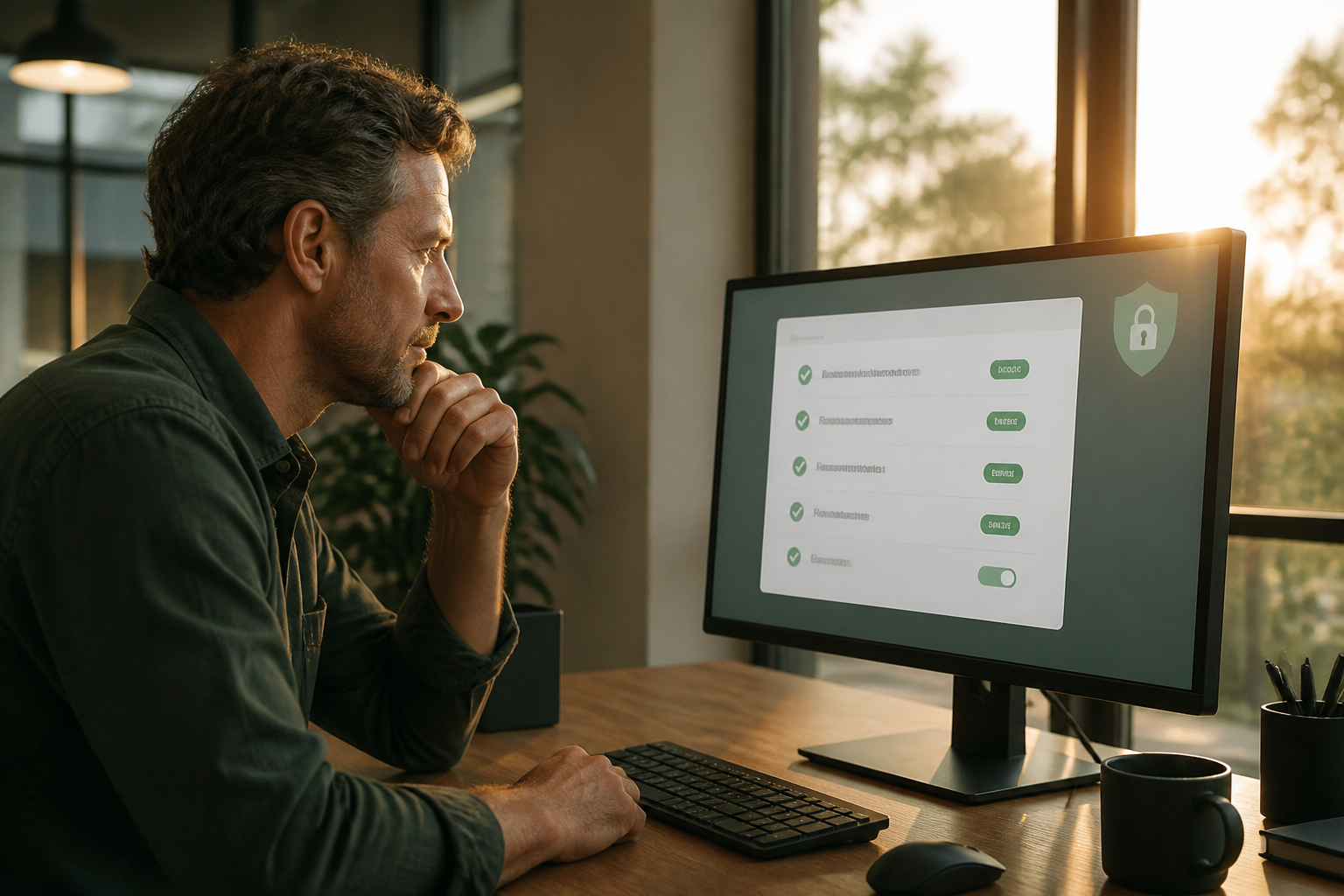
Tech Tip: Stop Email Spoofing — Strengthen Google Workspace with DMARC Quarantine
Protect Your Business from Email Impersonation 🔐📧 Cybercriminals can spoof your domain to make fraudulent emails look legitimate. Strengthen your Google Workspace security with DMARC Quarantine and help prevent suspicious emails from reaching inboxes. Impersonation prevention saves your business and this is a simple solution Follow these simple steps to protect your domain, your reputation, and your customers. #GoogleWorkspace #EmailSecurity #CyberSecurity Disclaimer: Steps accurate at time of publishing. Not responsible for unguided changes. How to change it (Google Admin console for DKIM, your DNS host for the records): 1. In admin.google.com go to Apps > Google Workspace > Gmail > Authenticate email, generate the DKIM key for your domain and publish the TXT record it gives you. 2. At your DNS provider confirm your SPF record ends with include:_spf.google.com ~all. 3. Add a TXT record named _dmarc.yourdomain.com.au with v=DMARC1; p=none; rua=mailto:dmarc@yourdomain.com.au; pct=100 and leave it for two to four weeks. 4. Once the aggregate reports show only your legitimate senders passing, edit the record and change p=none to p=quarantine. Check it worked: Send a message to an external mailbox and check the headers show spf=pass, dkim=pass and dmarc=pass. Book an audit: https://securemyemail.com.au/audit Complimentary 15-minute chat with Neil (CISSP): https://calendly.com/netlogyx/m365audit Disclaimer: The steps are accurate at the time of publishing but email platform menus and defaults change; if the reader is not confident they should not change settings themselves because incorrect changes can disrupt email service; and SecureMyEmail accepts no responsibility for loss or damage caused by changes made without our direct involvement.
Disclaimer: The steps are accurate at the time of publishing but email platform menus and defaults change; if the reader is not confident they should not change settings themselves because incorrect changes can disrupt email service; and SecureMyEmail accepts no responsibility for loss or damage caused by changes made without our direct involvement.
 Email security17 August 2026
TechTip: Microsoft 365 Security Audit for Small Business: Dedicated Admin Accounts
Secure your Microsoft 365 admin accounts! Learn how to use dedicated admin accounts to protect your business's data. Essential for your Microsoft 365 security audit for small business. #Microsoft365 #CyberSecurity #AustralianBusiness Disclaimer: Steps accurate at time of publishing. Proceed with caution. SecureMyEmail not responsible for self-implemented changes. How to change it (Microsoft 365 admin center and Microsoft Entra admin center): 1. In admin.microsoft.com go to Users > Active users and create a new cloud-only account such as admin.neil@yourdomain.com.au with no mailbox licence. 2. In entra.microsoft.com go to Entra ID > Roles and administrators and assign the Global Administrator role to that new account. 3. Sign in once as the new account, register phishing-resistant MFA (a passkey or security key), and record the recovery details offline. 4. Return to Roles and administrators and remove admin roles from the day-to-day mailbox accounts that no longer need them. Check it worked: Entra ID > Roles and administrators > Global Administrator lists only the dedicated admin accounts and one break-glass account. Book an audit: https://securemyemail.com.au/audit Complimentary 15-minute chat with Neil (CISSP): https://calendly.com/netlogyx/m365audit Disclaimer: The steps provided are accurate at the time of publishing. However, email platform menus and default settings can change without notice. If you are not confident in making these changes yourself, you should not proceed, as incorrect modifications can disrupt your email service and overall business operations. SecureMyEmail accepts no responsibility for any loss or damage caused by changes made without our direct involvement.
Disclaimer: The steps provided are accurate at the time of publishing. However, email platform menus and default settings can change without notice. If you are not confident in making these changes yourself, you should not proceed, as incorrect modifications can disrupt your email service and overall business operations. SecureMyEmail accepts no responsibility for any loss or damage caused by changes made without our direct involvement.
 Email security17 August 2026
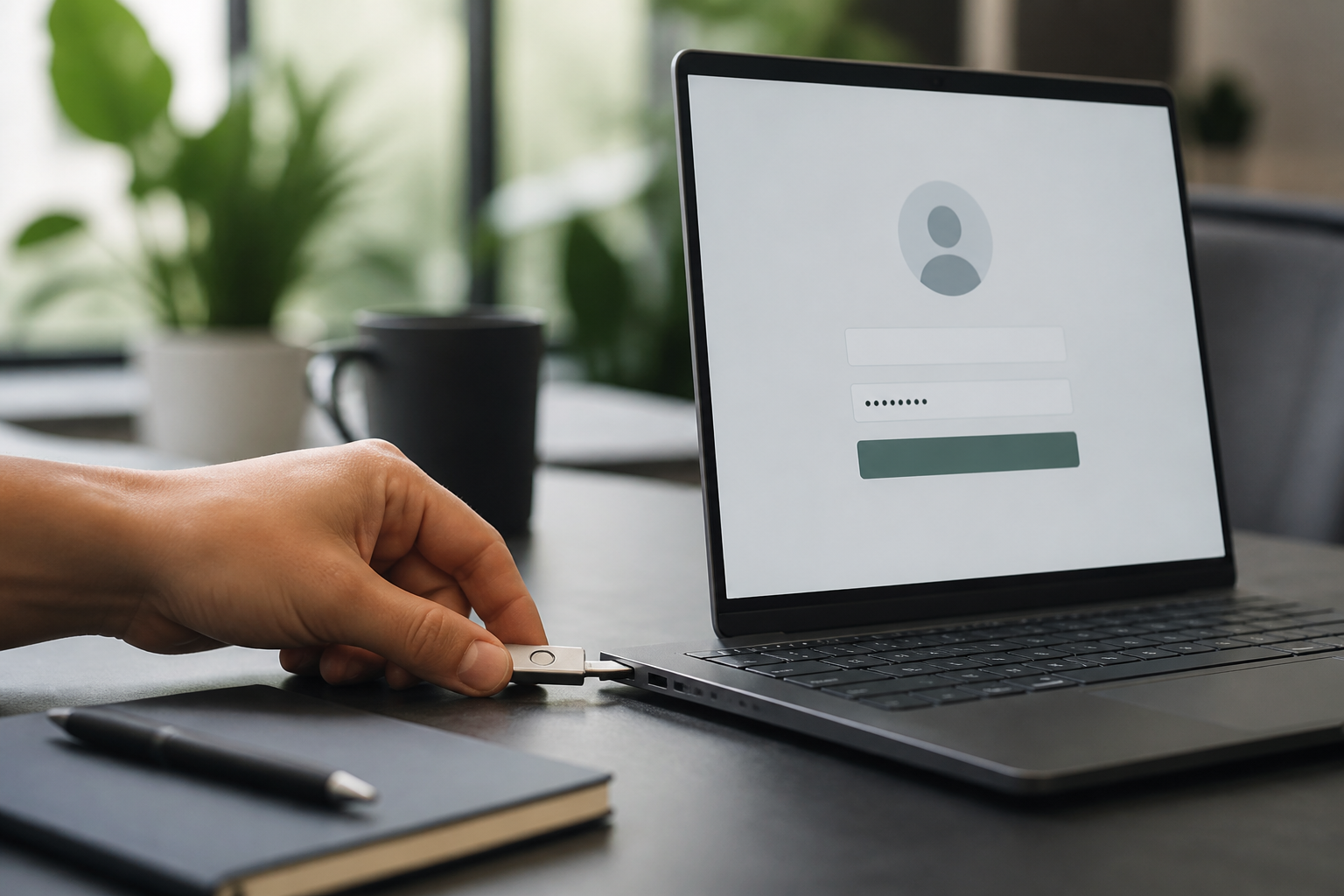
TechTip: Google Workspace Super Admin Security: Require Keys for Admins
Boost your Google Workspace super admin security! Protect against account takeovers with this easy step-by-step fix. #GoogleWorkspace #CyberSecurity #AustralianBusiness Disclaimer: steps accurate at time of publishing, but menus change. Unconfident? Don't make changes. SecureMyEmail takes no responsibility for changes made without our direct involvement. How to change it (Google Admin console (admin.google.com)): 1. Sign in to admin.google.com and create an organisational unit or group containing your administrator accounts. 2. Go to Security > Authentication > 2-Step Verification and select that group. 3. Set Methods to Only security key (or Any except verification codes if you also allow passkeys), and set Enforcement to On. 4. Register at least two keys per admin, save backup codes offline, then Save the policy. Check it worked: Sign in as an admin — Google prompts for the security key or passkey and refuses code-based methods. Book an audit: https://securemyemail.com.au/audit Complimentary 15-minute chat with Neil (CISSP): https://calendly.com/netlogyx/m365audit Disclaimer: The steps provided are accurate at the time of publishing. However, email platform menus and default settings frequently change. If you are not confident in making these changes yourself, please do not proceed. Incorrect configuration can severely disrupt your email service and business operations. SecureMyEmail accepts no responsibility for any loss or damage caused by changes made without our direct involvement.
Disclaimer: The steps provided are accurate at the time of publishing. However, email platform menus and default settings frequently change. If you are not confident in making these changes yourself, please do not proceed. Incorrect configuration can severely disrupt your email service and business operations. SecureMyEmail accepts no responsibility for any loss or damage caused by changes made without our direct involvement.
 Email security14 August 2026
TechTip: Boost Gmail Security: Turn On Enhanced Pre-Delivery Scanning
Boost Gmail security now! Learn to turn on enhanced pre-delivery message scanning step-by-step. Protect your business from phishing and malware. #GmailSecurity #CyberSecurity #GoogleWorkspace Disclaimer: menus can change, proceed with caution, we're not responsible for changes made without our direct involvement. How to change it (Google Admin console (admin.google.com)): 1. Sign in to admin.google.com and go to Apps > Google Workspace > Gmail > Safety. 2. Scroll to Spoofing and authentication and Attachments and turn on the protections for encrypted attachments, scripts from untrusted senders and anomalous attachment types. 3. Under Links and external images turn on Identify links behind shortened URLs, Scan linked images and Show warning prompt for any click on links to untrusted domains. 4. Set each protection's action to Quarantine or Move to spam rather than Keep in inbox with a warning, then Save. Check it worked: Admin console > Reporting > Reports > Spam filter shows messages being caught, and Admin quarantine starts collecting items. Book an audit: https://securemyemail.com.au/audit Free 15-minute chat with Neil (CISSP): https://calendly.com/netlogyx/m365audit Disclaimer: The information provided is for general guidance. Email platform menus and defaults can change. If you're unsure, do not change settings yourself, as incorrect modifications can disrupt email. SecureMyEmail accepts no responsibility for loss or damage caused by changes made without our direct involvement.
Disclaimer: The information provided is for general guidance. Email platform menus and defaults can change. If you're unsure, do not change settings yourself, as incorrect modifications can disrupt email. SecureMyEmail accepts no responsibility for loss or damage caused by changes made without our direct involvement.
 Email security13 August 2026
Closing Microsoft 365 Security Gaps for Australian Small Businesses (video explainer)
M365 security gaps hurting Australian small businesses. Missing Conditional Access settings leaves you vulnerable. Get a Microsoft 365 security audit for small business. #Microsoft365 #CyberSecurity #AustralianBusiness Book an audit: https://securemyemail.com.au/audit Free 15-minute chat with Neil (CISSP): https://calendly.com/netlogyx/m365audit
 Email security12 August 2026
Boost Your Security: Microsoft 365 security audit for small business
Is your business truly secure? 🛡️ A Microsoft 365 security audit for small business often reveals one simple fix: separate your admin and daily-driver accounts. It's a game-changer for cyber safety, protecting against widespread damage from a single breach. Are your admin accounts segregated? #CyberSecurity #Microsoft365 #AustralianBusiness Book an audit: https://securemyemail.com.au/audit Or grab a free 15-minute chat with Neil (CISSP): https://calendly.com/netlogyx/m365audit
- Email security12 August 2026
Boost Your Security: Microsoft 365 security audit for small business (video explainer)
Stop cyber threats now. Separate your admin and user accounts today. Essential for Microsoft 365 security audit for small business. #CyberSecurity #Microsoft365 #SmallBusinessTips Book an audit: https://securemyemail.com.au/audit Free 15-minute chat with Neil (CISSP): https://calendly.com/netlogyx/m365audit
 Email security11 August 2026
Legacy Authentication: Biggest Microsoft 365 Security Audit for Small Business Risk
Stop leaving your M365 exposed! Legacy authentication is the biggest threat to your Microsoft 365 security for small business, letting hackers bypass MFA. Learn why blocking it is non-negotiable for Australian businesses. Are you protected? #Microsoft365 #CyberSecurity #AustralianBusiness Book an audit: https://securemyemail.com.au/audit Or grab a free 15-minute chat with Neil (CISSP): https://calendly.com/netlogyx/m365audit
- Email security11 August 2026
Legacy Authentication: Biggest Microsoft 365 Security Audit for Small Business Risk (video explainer)
Is your M365 exposed? Legacy auth is the biggest risk for Australian small businesses. Protect your Microsoft 365 security audit for small business. #M365Security #CyberSafety #AustralianBusiness Book an audit: https://securemyemail.com.au/audit Free 15-minute chat with Neil (CISSP): https://calendly.com/netlogyx/m365audit
 Email security10 August 2026
Essential Microsoft 365 security settings for Australian small businesses
Book an audit: https://securemyemail.com.au/audit Or grab a free 15-minute chat with Neil (CISSP): https://calendly.com/netlogyx/m365audit
 Email security9 August 2026
Microsoft Intune device compliance basics for Australian SMBs (video explainer)
Secure your business. Intune device compliance basics for a 20-person business is essential. Protect your Microsoft 365 data now. #Microsoft365 #CyberSecurity #AustralianBusiness Book an audit: https://securemyemail.com.au/audit Free 15-minute chat with Neil (CISSP): https://calendly.com/netlogyx/m365audit
 Email security6 August 2026
Cyber insurance renewals: essential security for Australian small business (video explainer)
Cyber insurance getting tough? Australian small businesses need essential security now. Protect your business & renew your policy. #CyberSecurity #AustralianBusiness #SmallBizSecurity Book an audit: https://securemyemail.com.au/audit Free 15-minute chat with Neil (CISSP): https://calendly.com/netlogyx/m365audit
- Email security6 August 2026
Cyber insurance renewals: essential security for Australian small business
Cyber insurance renewals are getting tough for Australian small businesses! Insurers now demand concrete proof of your cybersecurity. Implementing essential security for Australian small business like MFA isn't optional anymore—it's critical for policy renewal. Are your cyber defences strong enough? #CyberSecurity #AustralianBusiness #SmallBusiness Book an audit: https://securemyemail.com.au/audit Or grab a free 15-minute chat with Neil (CISSP): https://calendly.com/netlogyx/m365audit
 Email security5 August 2026
Notifiable Data Breaches: What Your SMB Must Do in the First 72 Hours
Breach detected? The clock is ticking! For Notifiable Data Breaches: SMB First 72 Hours in Australia, swift action is legally required. Protect your business and customers by understanding what to do immediately. Are you prepared? #DataBreach #CyberSecurity #AustralianBusiness Book an audit: https://securemyemail.com.au/audit Or grab a free 15-minute chat with Neil (CISSP): https://calendly.com/netlogyx/m365audit
- Email security5 August 2026
Notifiable Data Breaches: What Your SMB Must Do in the First 72 Hours (video explainer)
Data breach hitting your SMB? 72 hours is all you have to respond under Australian law. Learn your obligations for Notifiable Data Breaches: SMB First 72 Hours. #CyberSecurity #DataBreach #AustralianBusiness Book an audit: https://securemyemail.com.au/audit Free 15-minute chat with Neil (CISSP): https://calendly.com/netlogyx/m365audit
 Email security4 August 2026
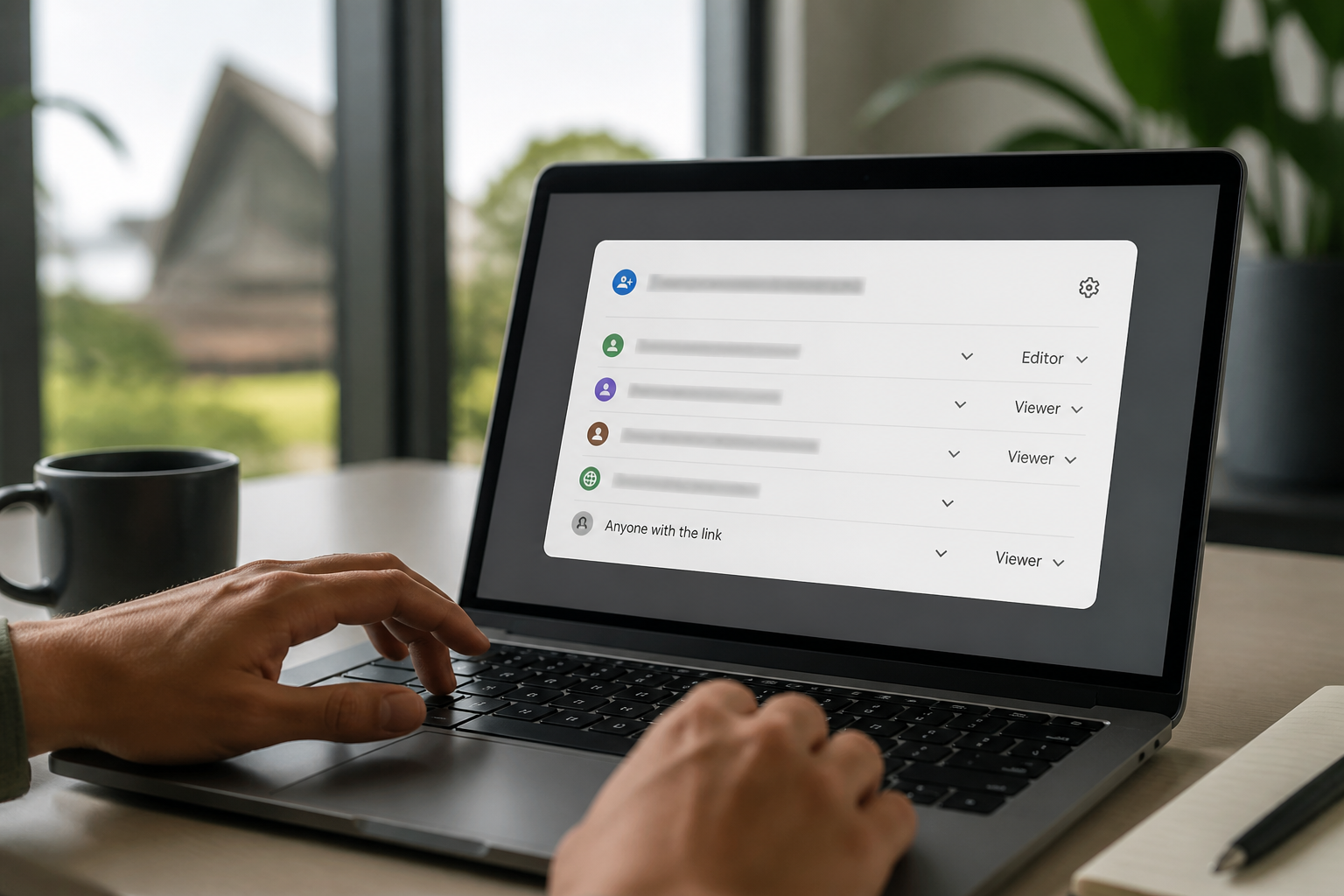
Google Workspace Security Audit for Small Business: Sharing Risks
Is your Google Workspace leaking client files? Default sharing settings often expose sensitive data without you knowing. A Google Workspace security audit for small business is non-negotiable for Australian SMBs. Don't let quiet exposures become big problems. Have you checked your sharing settings lately? #GoogleWorkspace #CyberSecurity #AustralianBusiness Book an audit: https://securemyemail.com.au/audit Or grab a free 15-minute chat with Neil (CISSP): https://calendly.com/netlogyx/m365audit
- Email security4 August 2026
Google Workspace Security Audit for Small Business: Sharing Risks (video explainer)
Is your Google Workspace secure? Unseen sharing settings can expose client files. Protect your Google Workspace security audit for small business. #GoogleWorkspace #CyberSecurity #AustralianBusiness Book an audit: https://securemyemail.com.au/audit Free 15-minute chat with Neil (CISSP): https://calendly.com/netlogyx/m365audit
 Email security3 August 2026
Email Security Protocols: SPF, DKIM, and DMARC for Australian Small Business (video explainer)
Stop email scams! 📧 SPF, DKIM, DMARC for Australian small business email security. Protect your brand, prevent fraud. #EmailSecurity #CyberSafety #AustralianBusiness Book an audit: https://securemyemail.com.au/audit Free 15-minute chat with Neil (CISSP): https://calendly.com/netlogyx/m365audit
- Email security3 August 2026
Email Security Protocols: SPF, DKIM, and DMARC for Australian Small Business
Is your business email truly secure? 📧 Understanding SPF, DKIM, and DMARC is crucial for Australian small business owners. These protocols stop email impersonation and protect your reputation. It's about more than just spam filters; it's about trust. Is your email configured to fight cybercrime effectively? #EmailSecurity #CyberSecurity #AustralianBusiness Book an audit: https://securemyemail.com.au/audit Or grab a free 15-minute chat with Neil (CISSP): https://calendly.com/netlogyx/m365audit
 Email security2 August 2026
Microsoft 365 security audit for small business: Shadow IT risks
Shadow IT in M365 is a hidden threat! Unapproved apps can leak your data. A Microsoft 365 security audit helps. #Microsoft365 #CyberSecurity #DataProtection Book an audit: https://securemyemail.com.au/audit Free 15-minute chat with Neil (CISSP): https://calendly.com/netlogyx/m365audit
 Email security31 July 2026
Why MFA isn't enough to stop business email compromise in Australia
Is your MFA a false sense of security? 🤔 Multi-Factor Authentication alone isn't enough to stop advanced Business Email Compromise. Cybercriminals are bypassing it, putting your business at risk. For a robust Microsoft 365 security audit for small business, you need layered defences. Is your email truly protected? #Microsoft365 #CyberSecurity #AustralianBusiness Book an audit: https://securemyemail.com.au/audit Or grab a free 15-minute chat with Neil (CISSP): https://calendly.com/netlogyx/m365audit
 Email security29 July 2026
Boost your cyber security: Admin accounts and privileged access
Is your business truly secure? Separate your daily login from admin accounts to boost your cyber security. It's a simple, practical step that makes a huge difference, especially for Australian small businesses. Are your accounts separated? #CyberSecurity #Microsoft365 #AustralianBusiness Book an audit: https://securemyemail.com.au/audit Or grab a free 15-minute chat with Neil (CISSP): https://calendly.com/netlogyx/m365audit
- Email security29 July 2026
Boost your cyber security: Admin accounts and privileged access (video explainer)
Secure your business! Separate admin accounts boost your cyber security. #CyberSecurity #AustralianBusiness #Microsoft365 Book an audit: https://securemyemail.com.au/audit Free 15-minute chat with Neil (CISSP): https://calendly.com/netlogyx/m365audit
- Healthcare29 July 2026
Notifiable data breaches: what an Australian practice must do in 30 days (video explainer)
Notifiable data breaches: what an Australian practice must do in 30 days Health service providers are covered by the Privacy Act regardless of turnover. Here's what the NDB scheme requires when a mailbox is compromised. Read it: https://securemyemail.com.au/blog/notifiable-data-breach-obligations-healthcare Book an audit: https://securemyemail.com.au/audit Free 15-minute chat with Neil (CISSP): https://calendly.com/netlogyx/m365audit
- Google Workspace29 July 2026
What a Google Workspace security audit actually checks (video explainer)
What a Google Workspace security audit actually checks Beyond 'turn on 2FA' — the twelve settings that decide whether a mailbox compromise stays contained or turns into a payment-redirection claim. Read it: https://securemyemail.com.au/blog/what-a-google-workspace-security-audit-checks Book an audit: https://securemyemail.com.au/audit Free 15-minute chat with Neil (CISSP): https://calendly.com/netlogyx/m365audit
- Compliance29 July 2026
The Essential Eight, translated for a 20-person Australian business (video explainer)
The Essential Eight, translated for a 20-person Australian business The ACSC's Essential Eight was written for government agencies. Here's what Maturity Level One honestly means when you're a 20-person firm running Microsoft 365. Read it: https://securemyemail.com.au/blog/essential-eight-for-australian-small-business Book an audit: https://securemyemail.com.au/audit Free 15-minute chat with Neil (CISSP): https://calendly.com/netlogyx/m365audit
- Insurance29 July 2026
Answering the cyber insurance questionnaire honestly (video explainer)
Answering the cyber insurance questionnaire honestly Insurers now ask specific, checkable questions about your email tenant. Guessing at the answers is how claims get reduced. Read it: https://securemyemail.com.au/blog/cyber-insurance-questionnaire-email-controls Book an audit: https://securemyemail.com.au/audit Free 15-minute chat with Neil (CISSP): https://calendly.com/netlogyx/m365audit
 Email security29 July 2026
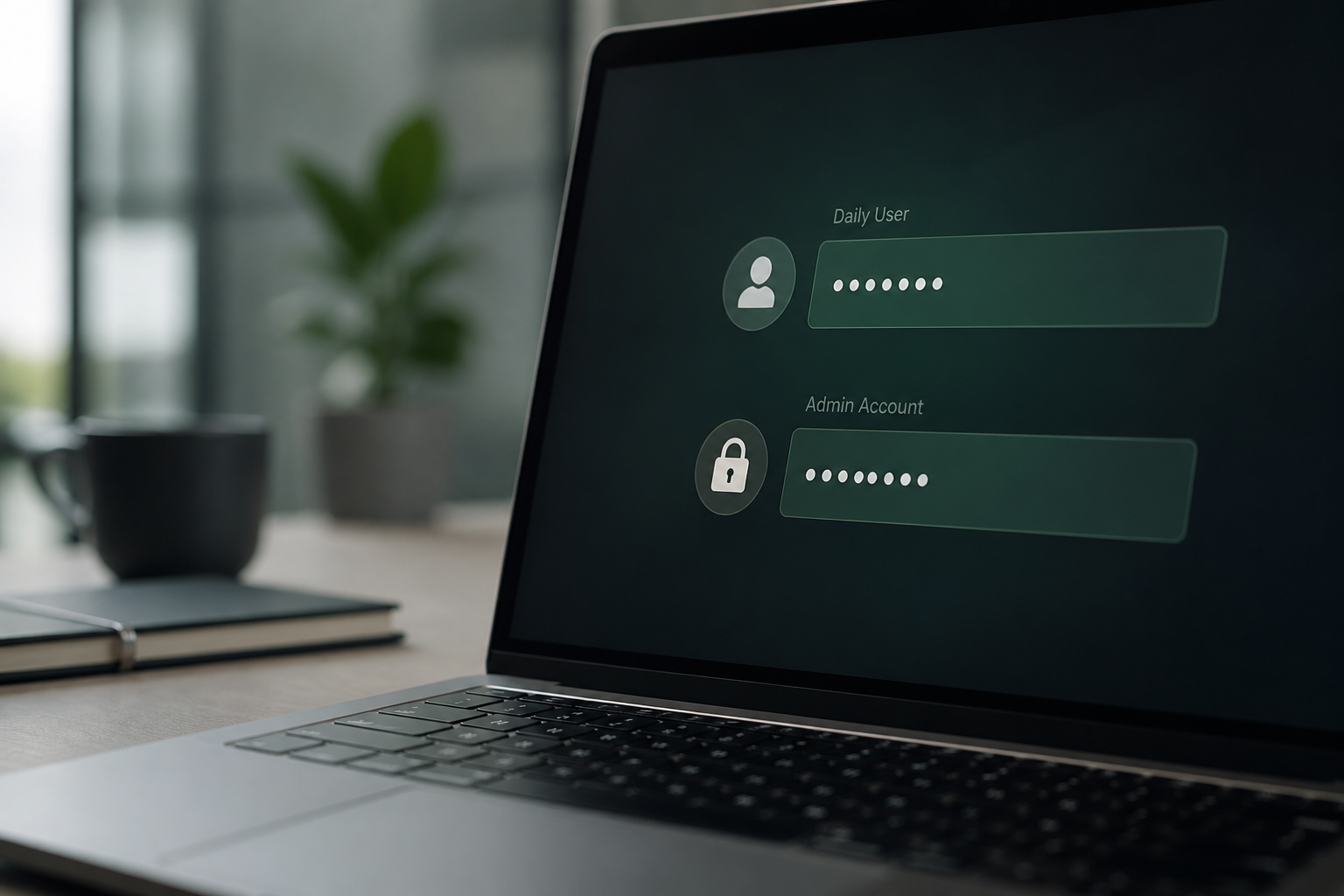
Boost Microsoft 365 security audit for small business with Admin Accounts (15s video)
Stop cyber threats now! Separate your admin accounts for a stronger Microsoft 365 security audit for small business. #CyberSecurity #Microsoft365 #SmallBusiness Book an audit: https://securemyemail.com.au/audit Free 15-minute chat with Neil (CISSP): https://calendly.com/netlogyx/m365audit
 Email security29 July 2026
Why Separate Admin Account Security is Critical for Your Business
Tired of cyber stress? 😟 Separate admin accounts are a game-changer for your 'microsoft 365 security audit for small business'. This simple step massively boosts your defence against cyber threats. Are your admin accounts segregated? #CyberSecurity #Microsoft365 #AustralianBusiness Book an audit: https://securemyemail.com.au/audit Or grab a free 15-minute chat with Neil (CISSP): https://calendly.com/netlogyx/m365audit
 Email security28 July 2026
Legacy Authentication: Still Microsoft 365's Biggest Risk
Legacy authentication in Microsoft 365 remains a critical security vulnerability, despite being an older technology. It's essentially an open door for cybercriminals, even if you've implemented Multi-Factor Authentication elsewhere. Blocking these outdated protocols is a fundamental step to secure your business against account compromise and business email compromise, as highlighted by organisations like the ACSC. Don't let an old vulnerability undermine your modern security efforts. Is your M365 environment truly secure from this often-overlooked risk? Book a free 15-minute M365/Google Workspace audit chat with Neil (CISSP): https://calendly.com/netlogyx/m365audit