
1
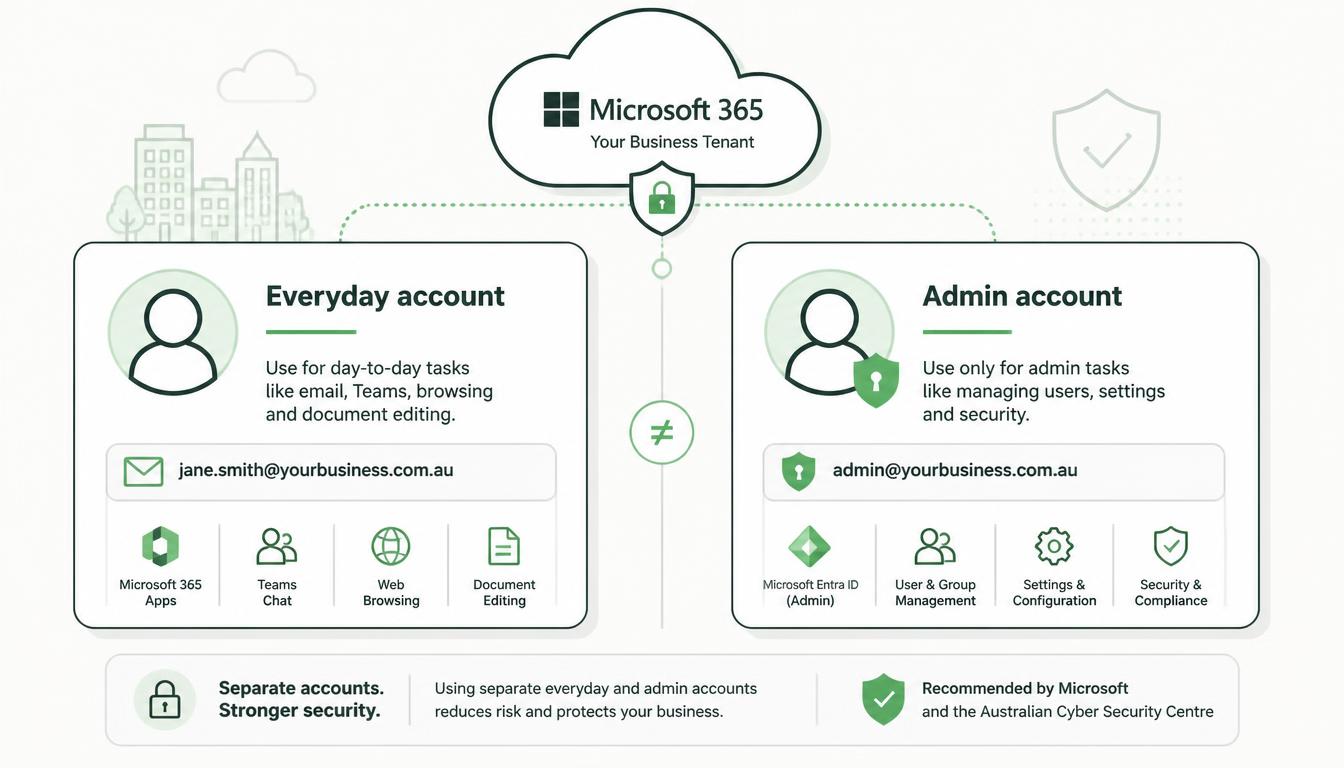
Create the separate administrator account
Open the Microsoft 365 admin centre and sign in with an existing Global Administrator account.
- Select Users, then Active users, then Add a user.
- Enter an identifiable name, such as First name: Neil, Last name: Admin, Username: neil.admin.
- Preferably use the tenant’s original Microsoft domain: neil.admin@business.onmicrosoft.com.
- Generate a strong temporary password.
- Select Require this user to change their password when they first sign in.
- Do not assign a Microsoft 365 licence unless the account genuinely requires a licensed service.
- Continue to the role-assignment section.
Using the .onmicrosoft.com domain reduces the admin account’s dependency on the organisation’s public domain and associated DNS configuration.
Do not configure email forwarding or a mailbox for this account. Giving an admin account a mailbox encourages everyday use and exposes it to email-based attacks.