What a Google Workspace security audit actually checks
Reviewed by Neil Frick — June 2026
▶ Watch the short explainer for this tip
Most Australian businesses assume Google Workspace is secure because Google is secure. Google's infrastructure is excellent. The gap is almost never Google — it's the tenant configuration sitting on top of it, most of which ships permissive by default so nothing breaks on day one.
Identity: who can get in
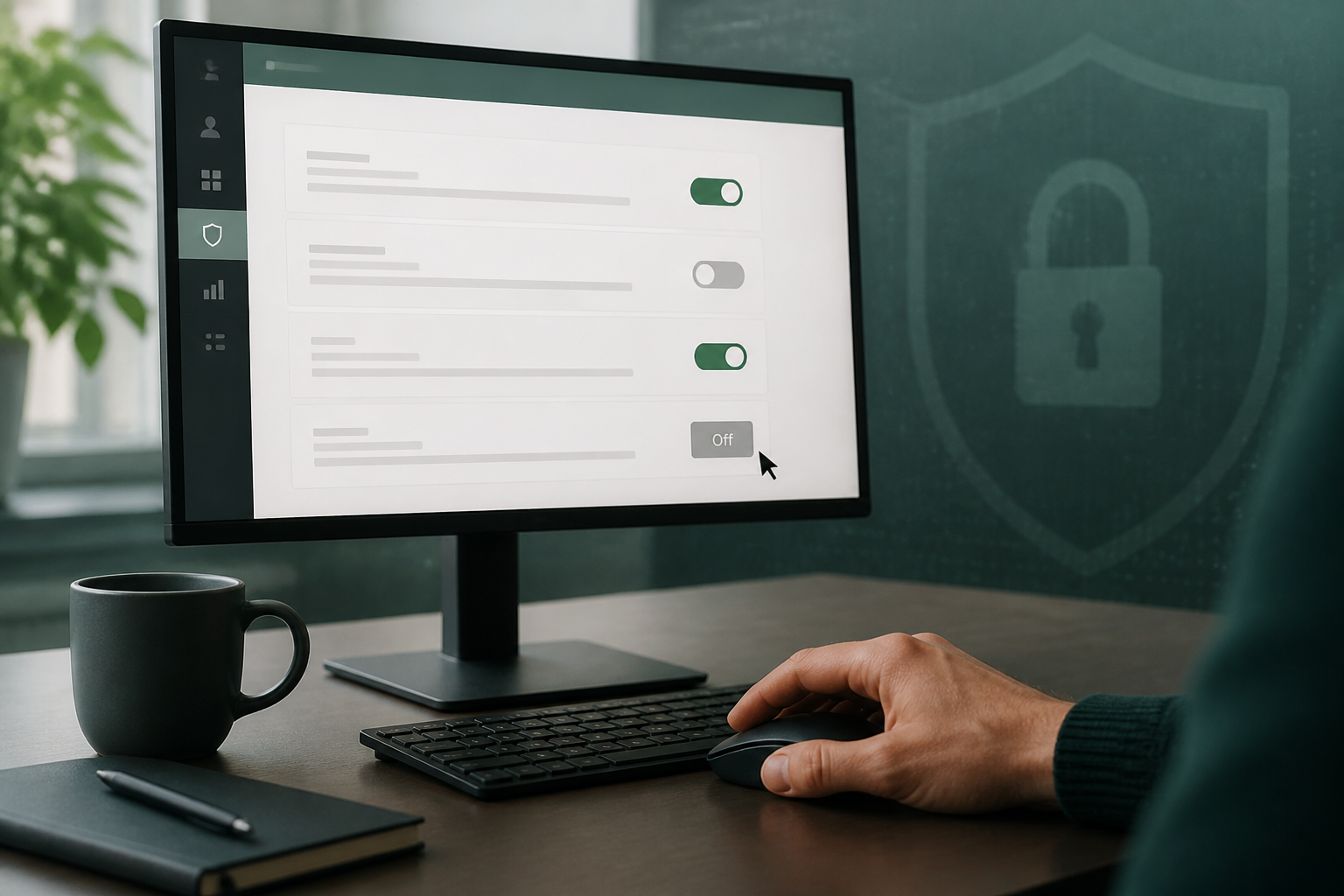
2-Step Verification is the single highest-value control, but 'we have 2FA' rarely means everyone has it. Enforcement is usually applied to an org unit, then new hires land somewhere else, or a handful of shared and service accounts get an exception that never expires.
Super-admin sprawl is the quiet twin of that problem. A tenant set up years ago by a departed IT provider commonly carries three to six super-admins, several of which nobody can account for.
- 2SV coverage per user, including exceptions and grace periods
- Number of super-admins and whether each is a named, current person
- Dormant accounts still licensed and still able to sign in
- Legacy protocols (POP, IMAP, less-secure app access) that bypass 2SV entirely
Data movement: what can leave
A compromised mailbox is a nuisance. A compromised mailbox with an auto-forward rule is an ongoing intelligence feed for an attacker, and it's the mechanism behind most invoice-redirection losses we see.
- Auto-forwarding rules to external domains, per user
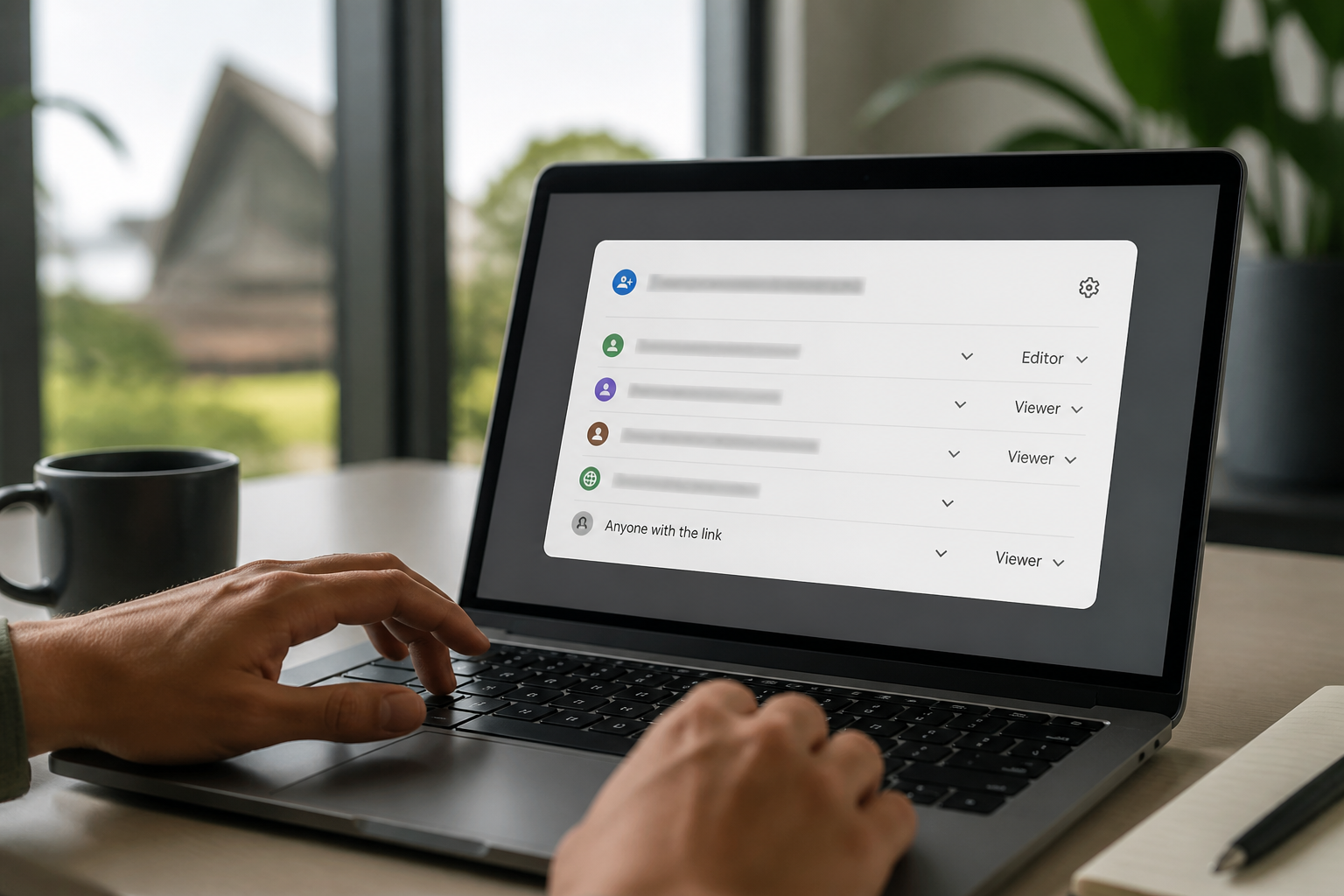
- Drive files shared 'anyone with the link' and to external accounts
- Third-party OAuth apps holding read or write scopes on mail and Drive
- Delegation and mail-send-as permissions granted between staff
Domain trust: who can pretend to be you
SPF, DKIM and DMARC determine whether an attacker can send mail that appears to come from your own domain to your own clients. A missing or permissive DMARC policy is common and cheap to fix, and it protects people outside your business as much as inside it.
Visibility: what you'd know afterwards
The last group of checks is about the day after an incident. Admin audit logging retention, alerting on suspicious sign-ins, and whether anyone actually receives those alerts. Without this, the honest answer to an insurer's question about scope of compromise is 'we don't know' — which is the expensive answer.
None of these require new software. They're settings you already own, and an audit simply tells you which ones are currently working against you.
Frequently asked questions
- How long does a Google Workspace audit take?
- Read-only collection usually takes under an hour of your time. You get the dated report within two business days, written so a non-technical owner can act on it.
- Do you need super-admin access to run the audit?
- We use a read-only admin role wherever possible. Nothing is changed in your tenant during the audit — we report on what is there and hand you the fix list.
- We already enforce 2-Step Verification. Is an audit still worth it?
- Usually yes. Enforcement is applied per organisational unit, so new hires, shared mailboxes and service accounts routinely sit outside it. The audit shows actual coverage per user rather than the policy setting.
- What is the difference between this and Google's security health check?
- Google's checklist tells you what settings exist. The audit tells you which of your settings are risky, why it matters for an Australian business, and the order to fix them in.
Sources
Every reference below was link-checked when this article was published.
- 1.Protect your business with 2-Step VerificationGoogle Workspace Admin Help
- 2.Set Drive users' sharing permissionsGoogle Workspace Admin Help
- 3.Control access to less secure appsGoogle Workspace Admin Help
- 4.Add a DMARC recordGoogle Workspace Admin Help
- 5.Best practices for administrator accountsGoogle Workspace Admin Help
Want to know where your own tenant stands?
The audit answers these questions with a dated report on your actual settings — a few questions to start, under a minute.