Google Workspace App Access: A Guide for Australian Businesses
Reviewed by Neil Frick — November 2026

▶ Watch the short explainer for this tip
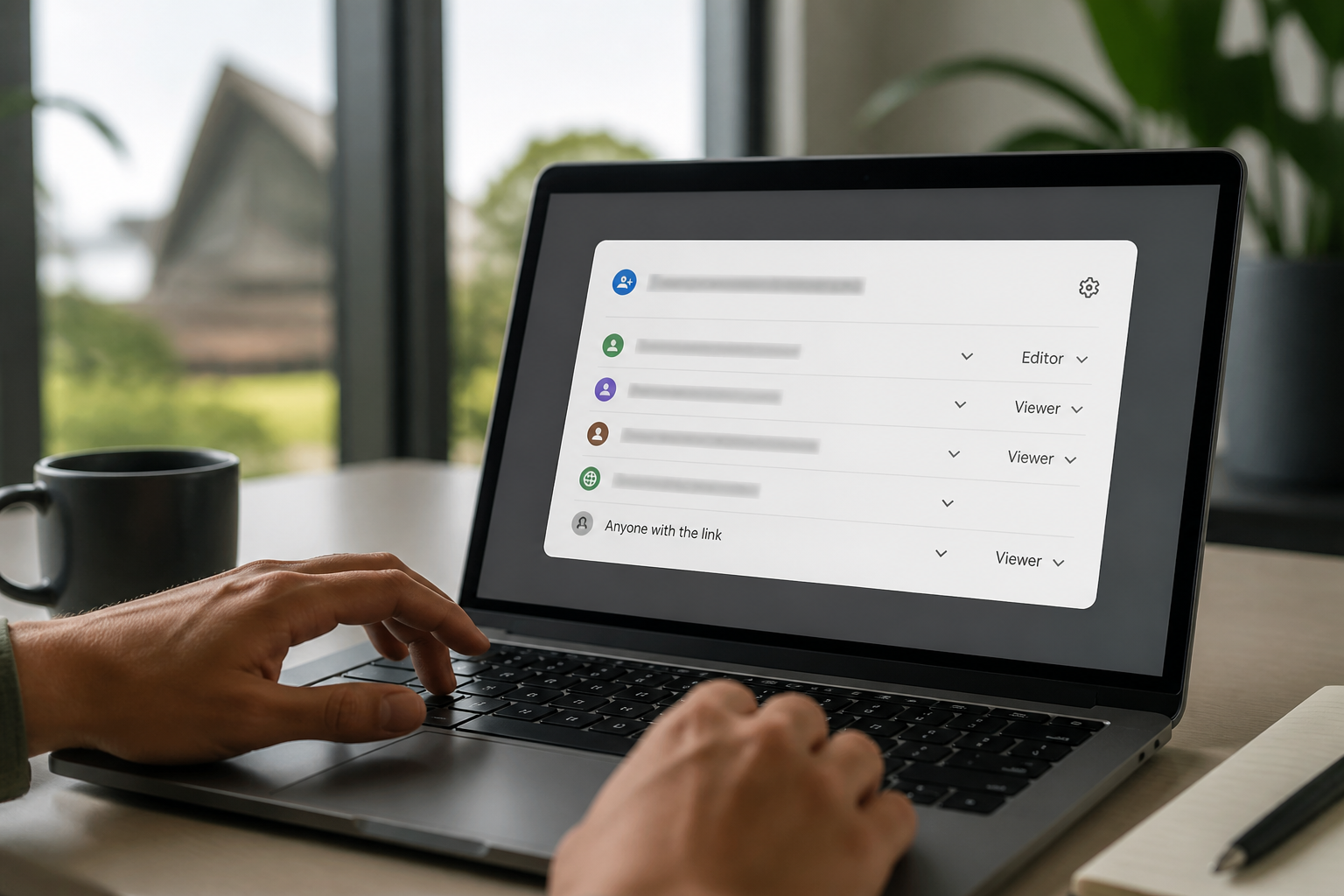
For Australian businesses, unnecessary access to Google Workspace could put customer information, financial records and confidential business data at risk. Applications connected to your employees' Google Workspace accounts may have access to business emails, files and sensitive information. Google Workspace provides tools to manage these connections and protect your business data. This article explains how to review connected applications, restrict unnecessary access and make changes without disrupting the tools your team relies on. Quick Answer: Google Workspace allows administrators to review connected applications and control what information they can access. Check existing connections, restrict unnecessary permissions and test changes before applying them across your business. Google's current guidance supports clear, useful, people-first content. However, a Quick Answer isn't a special Google ranking requirement, and it doesn't guarantee inclusion in AI-generated search results.
Could Connected Apps Be Accessing Your Google Workspace Data?
Many businesses use Google Workspace to manage their emails, documents, calendars and contacts. But did you know that some of the applications connected to Google Workspace could also have access to this information? When someone connects a third-party application using their Google account, they may be asked to approve access to business data. Depending on the permissions granted, that application could potentially read emails, access documents or manage calendar information. It's worth checking which applications have access to your business information and whether they still need it.
| Control | Where or what to configure | Practical guidance |
|---|---|---|
| Admin console location | Security > Access and data control > API controls | Open Manage third-party app access to review connections. |
| Approved apps | Specific Google data, where available | Allow only the services and permissions the app needs. |
| Trusted | Access to all Google services, including restricted services | Reserve this broad permission for apps whose access requirements justify it. |
| Limited | Access only to Google services you classify as unrestricted | Unrestricted does not mean the service contains no sensitive data. |
| Blocked | No access to Google services through the app | Use for apps you have decided not to permit. |
| Unconfigured apps | Settings under Manage third-party app access | Choose whether to allow apps, allow basic Google sign-in only, or disallow unconfigured apps. |
| Licensing | Included in Business Starter, Business Standard, Business Plus and Enterprise editions | No separate app-control licence is needed; review and implementation work may cost extra. |
An unconfigured app has no explicit access policy. Review existing configured apps too, because a restrictive default does not replace their individual settings.
Why Should You Review Connected Applications?
Many Australian businesses rely on applications connected to Google Workspace, including accounting software, scheduling tools and customer management systems. While these connections make everyday tasks easier, some applications may have access to more business information than they need. Once authorised, they may continue accessing emails, files and other data without requiring staff to sign in again. Even two-step verification won't necessarily prevent an authorised application from accessing this information. If an application is compromised or its permissions are misused, sensitive business and customer information could be exposed. Australian businesses covered by the Privacy Act may also have obligations under the Notifiable Data Breaches scheme, depending on the circumstances. Regularly reviewing connected applications and limiting unnecessary access is a simple way to help protect your business, your customers and their information.
How Can You Check Which Apps Have Access?
Google Workspace includes settings that allow administrators to review and manage connected applications. An administrator with the appropriate permissions can: Sign in to the Google Admin console at admin.google.com. Go to Security → Access and data control → API controls. Select Manage App Access to review applications that have accessed business data. Check which Google services each application has permission to access. Review whether those permissions are still necessary. API stands for Application Programming Interface. It's simply a way for different software applications to communicate and exchange information.
- Sign in to admin.google.com with a super administrator account and open Security > Access and data control > API controls.
- Open Manage third-party app access and review accessed and configured apps, their users and their requested permissions.
- Identify essential integrations and check their access requirements with the staff or suppliers responsible for them.
- Configure approved apps using Specific Google data where suitable; reserve Trusted for justified cases and block unwanted apps.
- Open Settings within Manage third-party app access and choose the unconfigured-app policy for your test group or organisational unit.
- Test approved workflows, a blocked app and an unconfigured app with a test account; allow time for changes to take effect.
- Tell staff how to request approval, then extend the policy and review app access regularly.
Can You Restrict Access Without Stopping Applications From Working?
Yes, but it's important to check what each application needs before changing its permissions. Google Workspace provides several access settings, including: Trusted: Allows an application to request access across Google Workspace services. Specific Google data: Restricts an application to the particular permissions you approve. Limited: Allows access only to Google services you haven't restricted. Blocked: Prevents the application from accessing Google data. You can also control how staff connect new applications that haven't been reviewed. The aim isn't to block every application. It's to make sure useful applications can do their jobs without receiving unnecessary access to your business information.
What Should You Check Before Making Changes?
Before restricting access, identify which applications your business currently relies on. For example, blocking a connection could prevent your accounting software from sending invoices or your scheduling system from accessing calendars. Start with a small group of users and test any changes before applying them across the business. You should also review who has access to approve applications and whether any old or unused connections can be removed. Some advanced connections, including those using domain-wide delegation, require a separate security review.
Does It Cost Anything to Restrict Application Access?
Google Workspace includes application access controls within its administration settings. You don't necessarily need to purchase additional security software to review and restrict connected applications. However, the time required to review permissions, test changes and configure settings will depend on how many applications your business uses. Some administrative features also vary by Google Workspace edition.
How Often Should You Review Connected Applications?
Reviewing application access shouldn't be a once-off task. It's worth checking whenever: Your business introduces new software. An employee leaves. You stop using an application. A supplier reports a security incident. An application's permissions or functions change. Keeping a record of approved applications and reviewing them regularly can help prevent unnecessary access from being overlooked.
Regularly review which applications can access your Google Workspace data. Remove unnecessary permissions to help protect sensitive business and customer information without disrupting the tools your team relies on.
Disclaimer: This article provides general cybersecurity educational material only and does not constitute formal legal, compliance, or technical advice. Platform settings and interfaces change frequently. Consult qualified IT professionals and current vendor documentation to address your organisation's specific requirements.
Complimentary guide
Business Cloud Security Checklist
Frequently asked questions
- How much does it cost to restrict third-party apps in Google Workspace?
- Core app controls require no additional licence in Google Workspace Business Starter, Business Standard, Business Plus and Enterprise editions. Staff time or external assistance may add implementation costs.
- Is blocking third-party apps enough to secure my Google Workspace on its own?
- No. App restrictions complement two-step verification, careful administrator access, secure file sharing and email authentication; they do not secure the whole environment.
- Does restricting third-party apps help with Australian Privacy Act compliance?
- Restricting third-party apps can support broader cybersecurity controls under the Australian Privacy Act and the Notifiable Data Breaches scheme. Limiting external data access reduces the likelihood of accidental privacy leaks, although the setting alone does not establish legal compliance.
- Will blocking unconfigured apps break our company CRM or accounting tools?
- It can interrupt integrations that have not been configured for appropriate access. Review and test essential tools before enforcement; they do not all need the broad Trusted setting.
- Can staff still sign in to external websites with Google after this change?
- Yes, if your policy permits it. You can allow unconfigured apps that request only basic information for Google sign-in while restricting apps that request access to business data.
- How often should an Australian business audit connected Google Workspace apps?
- A quarterly review is a useful starting point, not a universal requirement. Also review permissions when staff leave, tools are retired or an app's access requirements change.
- Does marking an app Trusted mean Google has verified it is safe?
- No. Trusted permits access to all Google services, including restricted services, but does not certify an app's security. Assess the supplier and use narrower permissions where possible.
- Does blocking an app remove data it has already copied?
- No. Blocking access does not delete information already held by the supplier. Check its retention policy and request deletion when ending the service.
Sources
Every reference below was link-checked when this article was published.
- 1.Control access to less secure appsGoogle Workspace Admin Help
- 2.Best practices for administrator accountsGoogle Workspace Admin Help
- 3.Essential Eight Maturity ModelAustralian Signals Directorate — ACSC
Want to know where your own tenant stands?
The audit answers these questions with a dated report on your actual settings — a few questions to start, under a minute.