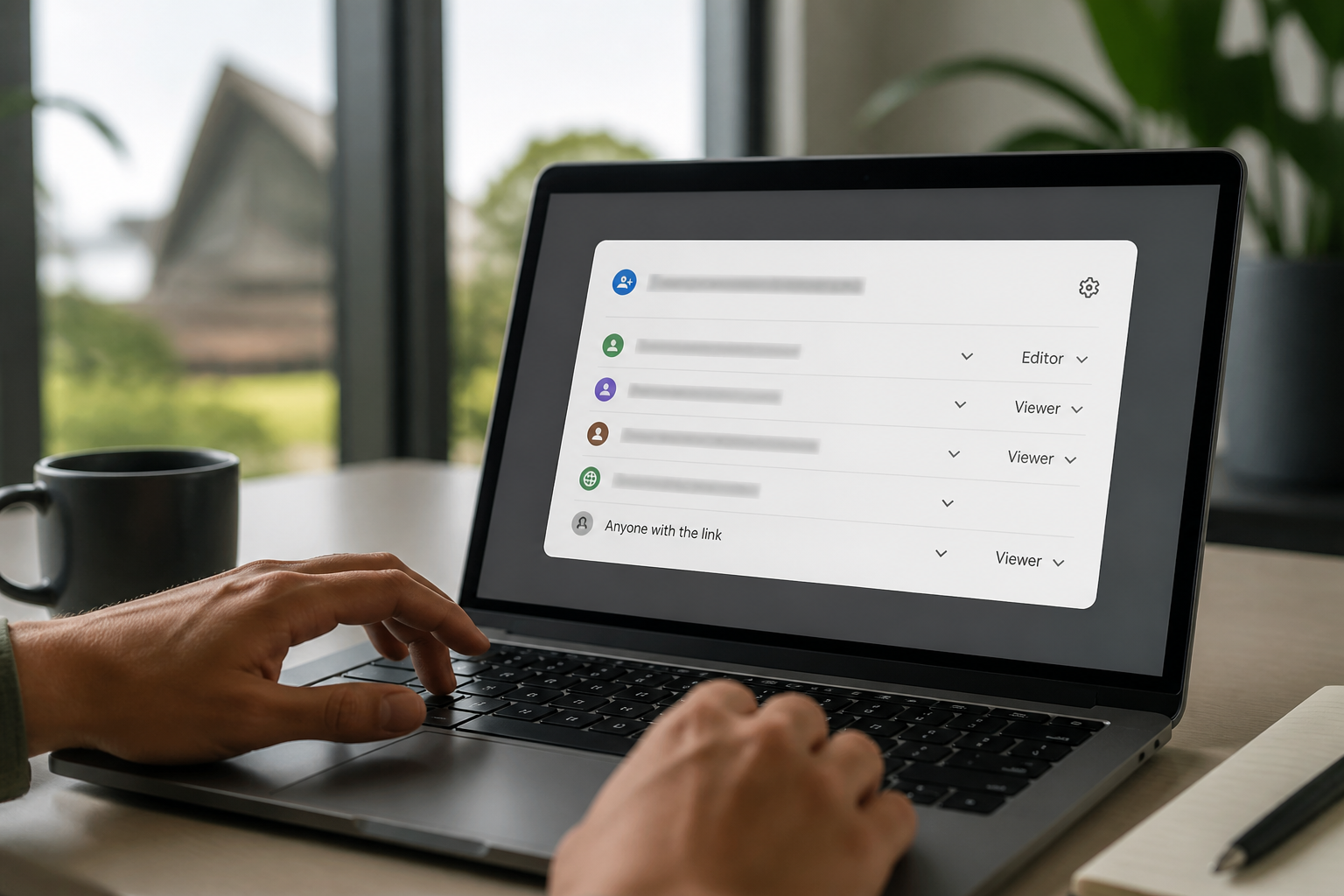
Google Workspace Super Admin Security: Require Keys for Admins
▶ Watch the short explainer for this tip
Every small or medium business (SMB) using Google Workspace relies on its super administrators to keep things running. But these powerful accounts are prime targets for cyber criminals. Ensuring your google workspace super admin security is paramount. Today's tech tip focuses on a crucial setting to protect these accounts: requiring security keys or passkeys. It's a simple change that adds a massive layer of protection against account takeover.
What is security key or passkey enforcement for super admins?
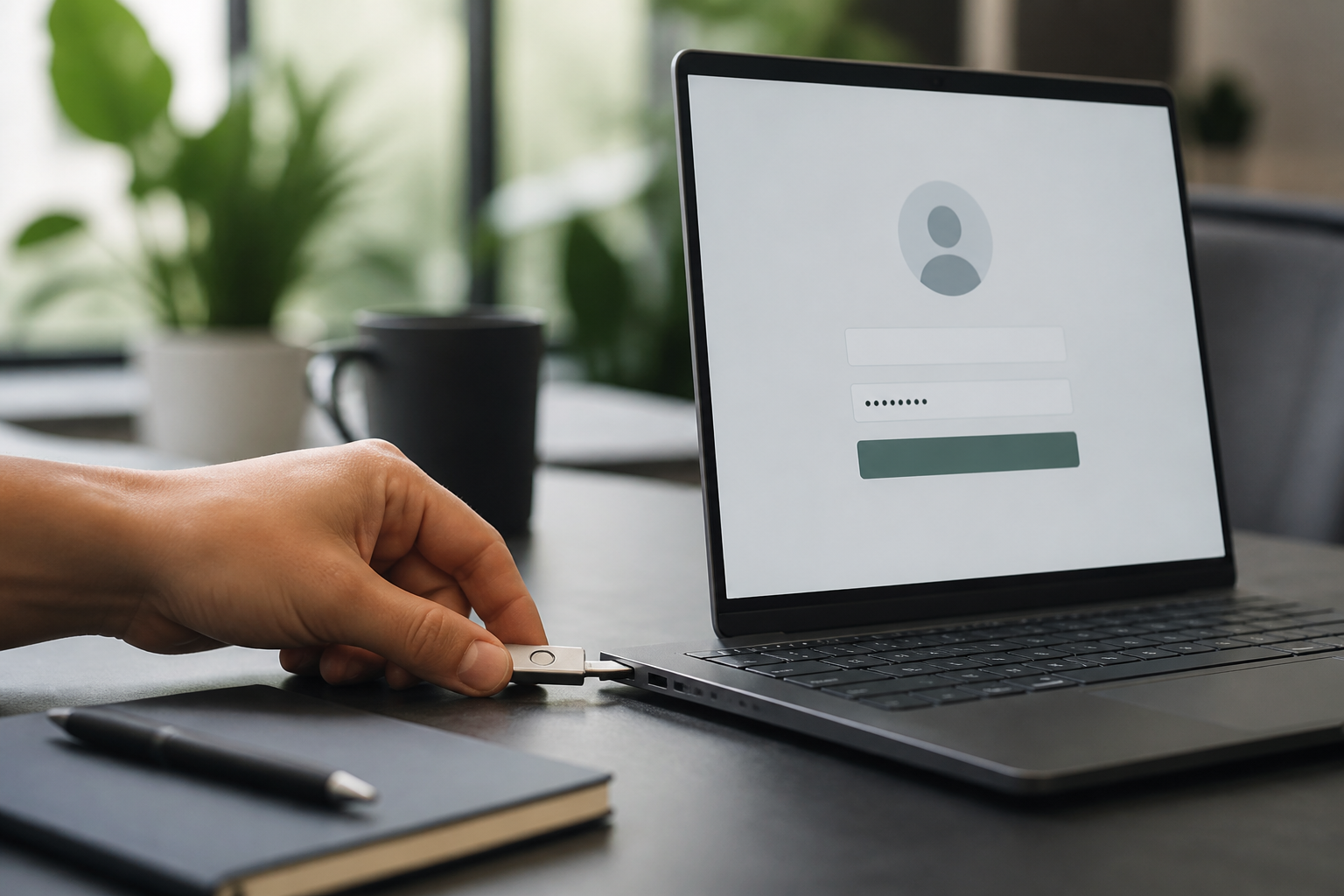
This setting mandates that your Google Workspace super administrators can only sign in using a physical security key or a passkey. These methods are a form of multi-factor authentication (MFA) that are highly resistant to phishing attacks. It's a critical layer of defence for your most privileged accounts.
Why enforce security keys for Google Workspace super admins?
Requiring security keys or passkeys for your super admins significantly strengthens your email security and overall Google Workspace resilience. Unlike SMS codes or authenticator app codes, security keys cannot be phished, which means an attacker can't trick your admin into giving up their second factor. This drastically reduces the risk of a super admin account takeover, which is often the first step in a business email compromise (BEC) attack or a data breach. Protecting these accounts is crucial for your business's continuity and data integrity. Book a complimentary 15-minute chat with Neil to discuss your Google Workspace security needs.
What happens if you don't use security keys for super admins?
Leaving your super admin accounts protected only by passwords and less secure forms of multi-factor authentication (MFA) exposes your business to significant risks. An attacker who compromises a super admin account can access all your company's data, impersonate staff, change settings, or even lock you out of your entire Google Workspace. This could lead to massive financial losses, operational downtime, severe data breaches, and potential legal or regulatory penalties under Australian privacy laws, alongside increased cyber insurance premiums. It's a risk no Australian small business can afford.
How to implement security keys for your Google Workspace super admins?
This setup process is straightforward, but careful attention to detail is essential to maintain access. Here's how to do it: 1. Sign in to admin.google.com and create an organisational unit or group containing your administrator accounts. 2. Go to Security > Authentication > 2-Step Verification and select that group. 3. Set Methods to Only security key (or Any except verification codes if you also allow passkeys), and set Enforcement to On. 4. Register at least two keys per admin, save backup codes offline, then Save the policy.
How to verify the change and what to look out for
To check it worked, sign in as an admin – Google should prompt for the security key or passkey and refuse code-based methods. This confirms the policy is active. However, be aware: losing the only registered security key will lock the admin out of their account. Always register a second key as a backup, and ensure you have a documented 'break-glass' account procedure in case of emergencies. If you're unsure about implementing this, book a complimentary 15-minute chat with Neil at Netlogyx IT to ensure a smooth transition and enhanced google workspace super admin security.
Important Disclaimer
The steps provided are accurate at the time of publishing. However, email platform menus and default settings frequently change. If you are not confident in making these changes yourself, please do not proceed. Incorrect configuration can severely disrupt your email service and business operations. SecureMyEmail accepts no responsibility for any loss or damage caused by changes made without our direct involvement.
Implementing security keys or passkeys for your Google Workspace super administrators is one of the most effective ways to protect your business from account takeovers and data breaches. It's a non-negotiable step for robust cyber security.
Disclaimer: The steps provided are accurate at the time of publishing. However, email platform menus and default settings frequently change. If you are not confident in making these changes yourself, please do not proceed. Incorrect configuration can severely disrupt your email service and business operations. SecureMyEmail accepts no responsibility for any loss or damage caused by changes made without our direct involvement.
Frequently asked questions
- What is a security key for Google Workspace?
- A security key is a small physical device that plugs into your computer or connects wirelessly, providing a second factor for authentication. It's a highly secure form of multi-factor authentication (MFA) that protects against phishing attempts by ensuring only the physical key holder can log in.
- Are passkeys the same as security keys?
- Passkeys are a newer, passwordless sign-in method that uses cryptographic keys unique to your device, often secured by biometrics. While they offer similar phishing resistance, they don't always require a separate physical device like a traditional security key, integrating more seamlessly with modern devices like smartphones.
- Why is it important for Australian small businesses to use security keys for Google Workspace super admins?
- For Australian small businesses, protecting super admin accounts with security keys is vital to prevent cyber attacks that could lead to data breaches, financial losses, and compliance issues under Australian privacy laws. It's a core recommendation for strong cyber security by bodies like the Australian Cyber Security Centre (ACSC) to prevent unauthorised access to critical business data.
- What if I lose my security key for a super admin account?
- If you lose your only security key, you risk being locked out of your super admin account. It's crucial to register at least two security keys per admin for redundancy and to have a documented 'break-glass' recovery procedure. This ensures continued access even if one key is lost or damaged.
- Can I use security keys with other Google Workspace accounts, not just super admins?
- Yes, you absolutely can and should extend the use of security keys or passkeys to other high-privilege or critical accounts within your Google Workspace. While super admins are the most critical, enhancing security for other accounts further strengthens your overall cyber security posture against account takeovers.
Sources
Every reference below was link-checked when this article was published.
- 1.Best practices for administrator accountsGoogle Workspace Admin Help
- 2.Protect your business with 2-Step VerificationGoogle Workspace Admin Help
Want to know where your own tenant stands?
The audit answers these questions with a dated report on your actual settings — a few questions to start, under a minute.